

Key takeaways
- Most payroll errors start upstream: in schedules, time tracking, employee records, and timesheets. The payroll software just reveals the problem.
- Costs add up fast: overpayments, compliance exposure, and loss of employee trust.
- A payroll preparation checklist is the simplest improvement most SMBs never implement, and yet it works.
Most payroll errors don’t start in your payroll software. They start upstream, in your schedules and timesheets, and that’s exactly where you can stop them.
Friday morning, 7:45 AM. Veronica manages a 35-bed senior care facility in Ottawa. She opens her payroll export and spots the problem immediately: two care aides were paid at the wrong rate, one employee’s overtime wasn’t flagged, and a shift that was swapped three days ago still shows the original employee’s name. She has 45 minutes before the payroll submission deadline.
If this scenario sounds familiar, here’s what most articles on the topic won’t tell you: none of these errors started in the payroll software. They’re scheduling and timesheet errors that no one caught before payday made them visible.
No fraud. No negligence. Just data that was wrong before it ever reached the payroll software.
Why Payroll Errors Start Upstream

In most small and mid-sized businesses, employee records, schedules, time tracking, and payroll operate in silos. Information moves from one to the next manually: by text, by Excel file, by email. Every handoff is a chance to lose or distort a piece of data. It’s not that people are doing their jobs poorly. It’s that the path from schedule to payroll is full of gaps.
For a restaurant in Halifax, a pharmacy chain in the GTA, or a senior care facility in Kelowna, the path from schedule to pay deposit passes through a dozen hands. Here are five common payroll mistakes that follow, long before anyone opens the payroll software.
Incorrect Work Hours
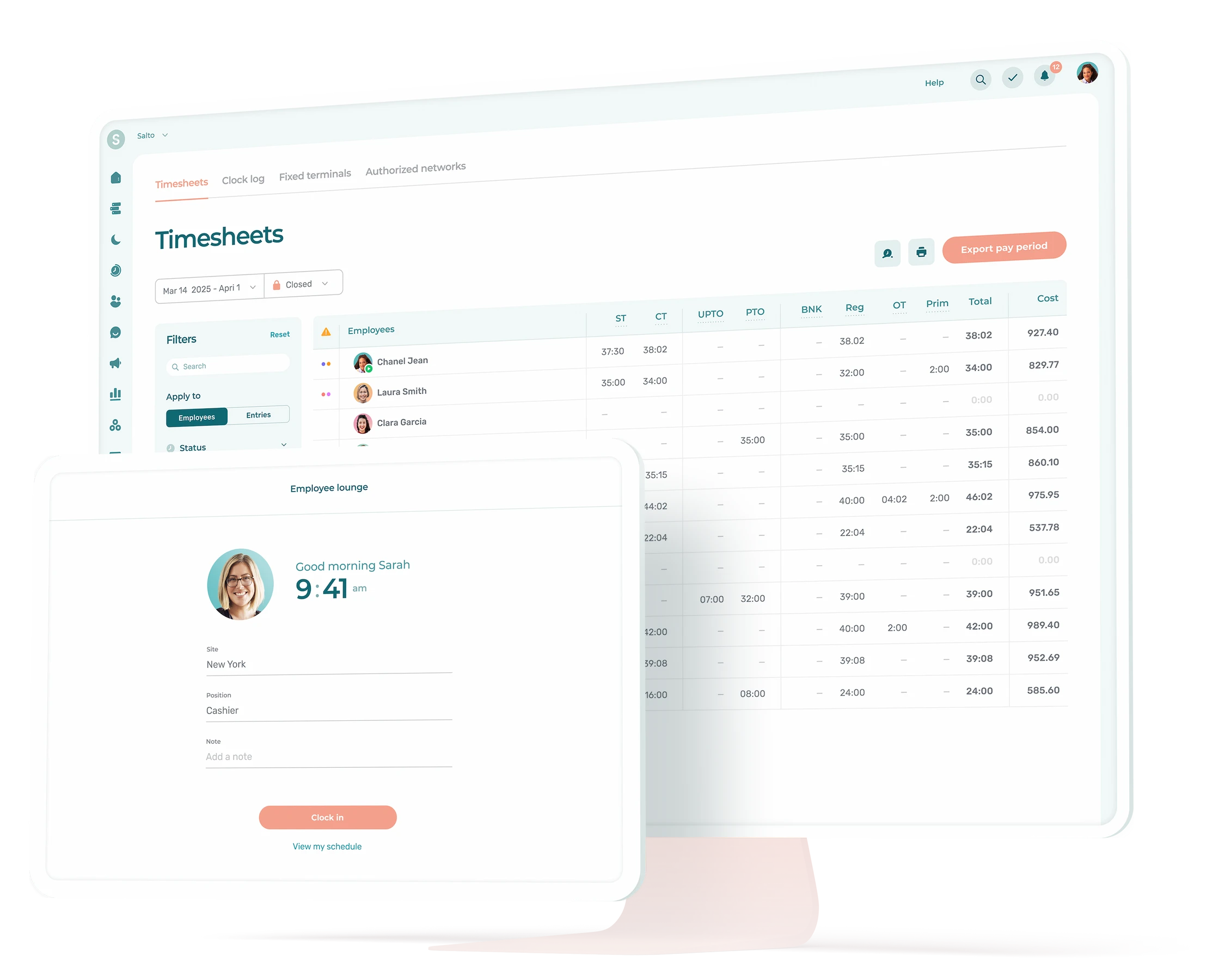
This is the workhorse of payroll errors: unglamorous but relentless. The problem shows up whenever employees punch in on paper, text their hours to a manager, or clock in for a coworker who’s running late.
A shift was supposed to end at 3:00 PM. It gets logged as 3:30 PM. Thirty minutes, one employee. Multiply that by 20 people over two pay periods. It’s the kind of leak you never notice until you add up the numbers at the end of the month.
Without a digital time clock linked to the schedule, your time data isn’t data. It’s guesswork.
Wrong Pay Rate Applied
This one catches you off guard. An employee picks up a shift in a different position, but the schedule keeps the default rate tied to the shift. A new hire’s wage gets entered into the schedule but never makes it to the payroll export because the two systems don’t talk to each other. On paper, everything looks right. On the pay stub, nothing is.
It’s common in businesses where people wear multiple hats: the cashier who stocks shelves, the care aide who covers reception, the server who picks up a manager shift at a higher rate.
Missed Overtime
Among the costliest payroll mistakes for SMBs, and the one that puts you on the wrong side of employment standards. In Canada, overtime thresholds vary by province, from 40 hours in Quebec and B.C. to 44 in Ontario and Alberta. But when hours are tracked by hand or an employee works across two locations, the numbers don’t add up automatically.
Picture this: Matt works 36 hours at one pharmacy and picks up 10 hours at another location. On paper, both are under threshold. Combined, they’re over 40. If the systems don’t aggregate automatically, the overtime vanishes from the pay stub, and the employer falls out of compliance. Without anyone noticing.
Overtime rules vary by province. Read our complete guide for employers.
Incomplete Timesheets at Cutoff
The payroll deadline arrives. Three employees haven’t confirmed their hours. Two managers haven’t approved their team’s timesheets. The person running payroll is doing two jobs at once: processing data and chasing down approvals.
This isn’t a people problem. It’s a process problem. When no system flags what’s missing before the deadline, the deadline itself becomes your verification tool. And verifying under pressure means improvising.
Ghost Shifts and Scheduling Errors
The schedule says one thing. Reality says another. A shift swap happened by text but was never updated in the schedule. An employee called in sick, a coworker covered, but the original name stayed. When the timesheet pulls from a schedule that’s no longer current, the wrong person gets paid for a shift they didn’t work.
These aren’t edge cases. In any team that deals with regular shift changes, ghost shifts are a quiet constant.
What Bad Time Data Actually Costs You


The five errors above have one thing in common: taken alone, they’re small. A mislogged half-hour here, an unapproved timesheet there. But they compound, and the bill arrives from three directions at once.
Costs. Overpayments, correction cycles, and the hours your admin spends investigating instead of running the business. With biweekly payroll, that’s 26 chances per year for these costs to pile up.
Compliance. The CRA requires employers to maintain accurate pay records for at least six years. Provincial employment standards set specific rules for overtime, breaks, and rest periods. Inaccurate time data turns a routine audit into a serious problem.
People. This is the cost nobody calculates until it’s too late. When an employee’s pay stub is wrong, they don’t see a data quality issue. They see an employer who can’t get their pay right. In frontline industries where people have three job offers to choose from, that’s the kind of thing that makes someone leave before they even bring it up.
According to a Workforce Institute survey of over 1,000 American workers, nearly 50% would start looking for a new job after just two payroll mistakes.
How to Prevent Payroll Errors Before They Happen
The fix isn’t a better payroll system. It’s making sure your schedules, time tracking, employee records, and timesheets all talk to each other, so payroll never receives bad data in the first place.
Track time online. Paper logs, text messages, and Excel files aren’t effective time tracking. They rely mostly on memory, and memory lies. A digital time clock records timestamped facts, not recollections.
Automate overtime calculations. Configure your provincial thresholds once and let the system apply them to every timesheet, across all locations. Calculating overtime by hand is a gamble.
Keep your employee records current. A position change, a new pay rate, or a departure that isn’t updated in the employee file ripples into the schedule, timesheets, and payroll. When the employee record is the source and everything flows from it automatically, a single update is all it takes.
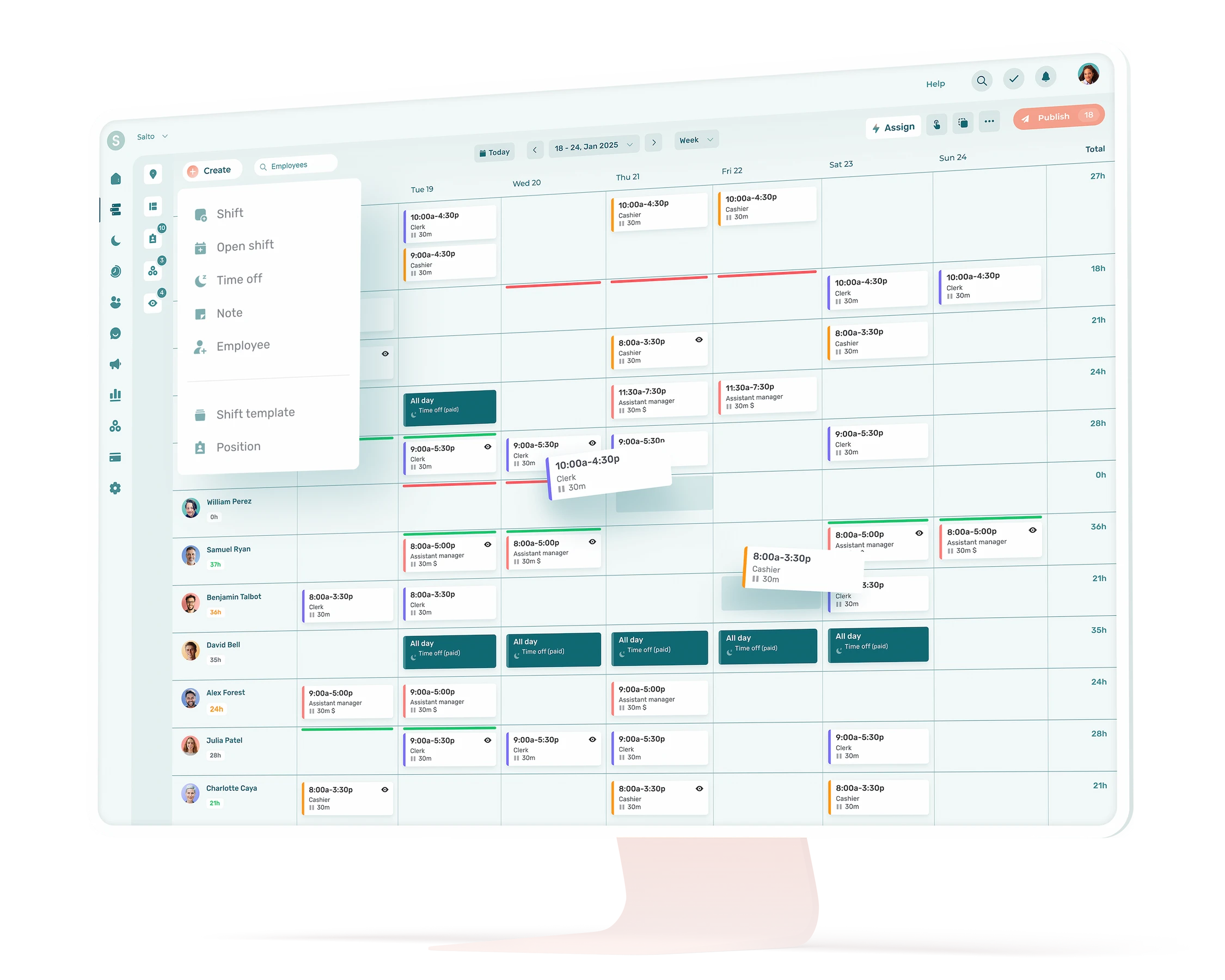
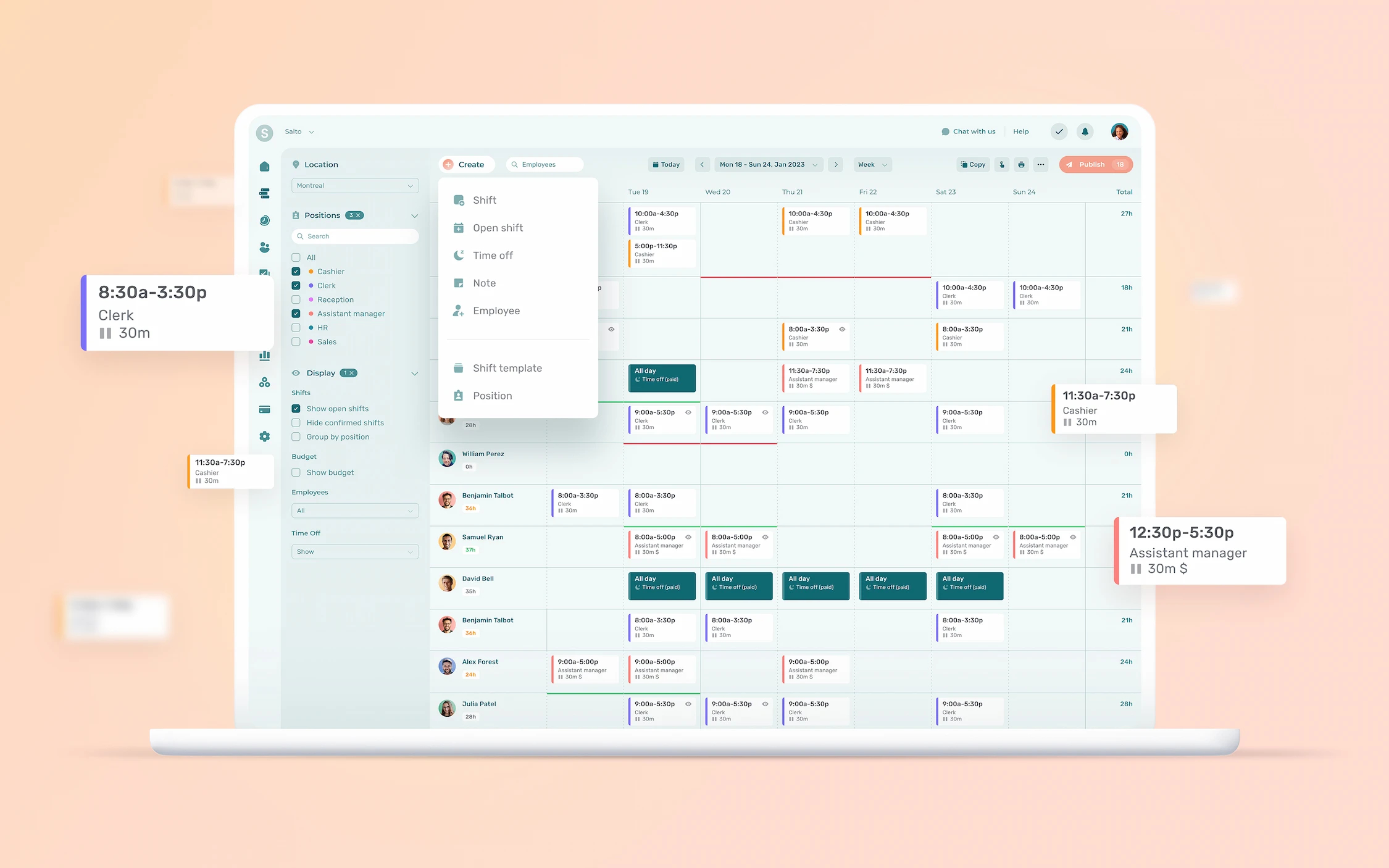
Make the schedule your source of truth. Pay rates, positions, shift changes, replacements: everything needs to live in the same system. No texts, no sticky notes, no verbal swaps that never get recorded. With Agendrix, the schedule, time clock, and pay period summary live in the same place. What’s planned, worked, and exported stays aligned without manual intervention.
See how Roxanne, Director of Recreation and Culture at the Town of McMasterville, saves up to 12 hours per pay period since automating her timesheets and schedule creation with Agendrix. Read her story.
Require approvals before the deadline. If the payroll deadline is the moment you discover that data is missing, your process is backwards. Set up automatic reminders before the period closes. When approval is digital, “I forgot” is no longer a valid excuse.
Export clean data to your payroll provider. Whether you use ADP Workforce Now, Nethris, or Payworks, the data leaving your platform needs to be verified and complete. A clean export means your payroll provider processes numbers whose accuracy has been validated.
Your payroll system can only be as accurate as the data it receives. Fix the problem at the source, and payroll preparation becomes a formality.
Payroll Preparation Checklist for SMBs
Use this list before every pay run. Post it, share it with your managers and team members involved.
Before the pay period closes:
☐ All shifts are current (swaps, replacements, and cancellations reflected)
☐ Time clock punches reviewed for anomalies (missed punches, late arrivals, early departures)
☐ Employee records are up to date (new hires, rate or position changes, departures)
☐ Employees on leave or terminated mid-period are flagged
At payroll cutoff:
☐ All employees have confirmed their hours (if applicable)
☐ Managers have approved their team’s timesheets
☐ Overtime hours are calculated and visible
☐ Premiums are applied (night shifts, weekends, statutory holidays)
☐ Tips are distributed and recorded, if applicable
☐ Expense reports are validated for reimbursement and included, if applicable
Before exporting to payroll:
☐ Pay period summary reviewed for outliers (unusually high or low totals)
☐ Export file matches the correct pay period dates
☐ All required fields for your payroll provider are populated (employee number, earning codes, hours by type)
☐ A copy of approved timesheets is saved for your records (CRA requires at least 6 years of retention)

Payday Should Be the Easiest Part
At this point, the takeaway is clear: payroll only reveals problems that already existed. Fixing them after the fact costs time, money, and erodes trust. Preventing them upstream changes everything.
When your schedules, time tracking, employee records, and timesheets are connected and reliable, payday stops making you put out fires and becomes a formality.
Agendrix is built for exactly that. Try it for 21 days and see the difference on your next pay run!
What are the most common payroll errors in small businesses?
The most common are incorrect hours worked, wrong pay rates applied, missed overtime calculations, incomplete timesheets at cutoff, and schedule changes that don’t make it into the payroll file. Most of them start in scheduling and time tracking, not in the payroll software itself.
How do timesheet errors affect payroll?
Inaccurate timesheets feed directly into payroll. A mislogged half-hour, an unapproved shift, or an unrecorded swap creates overpayments or underpayments, correction cycles every period, and eventually a loss of employee trust when their pay stubs are wrong. It’s also where non-compliance with employment standards starts to creep in, often without anyone noticing.
What is a payroll preparation checklist?
It’s a set of verification steps completed before submitting data to your payroll provider. It typically covers timesheet approvals, overtime verification, schedule accuracy, and data completeness. Using one consistently catches errors before they hit pay stubs.
How can Canadian small businesses prevent payroll errors?
The most effective approach is to connect schedules, time tracking, employee records, and timesheets in a single system. A tool like Agendrix lets you digitize time tracking, require approvals before the deadline, and automate overtime calculations based on provincial rules. Exporting verified data to providers like Employeur D, ADP Workforce Now, or Payworks removes manual data entry from the equation.
Who is responsible for payroll errors in a business?
Responsibility is shared. Employees report their hours. Managers approve timesheets and keep schedules current. Payroll administrators verify data before submission. When these steps are manual and disconnected, errors can appear anywhere in the chain. An integrated system gives everyone visibility into their part and reduces risk across the board.