How to Run Payroll in Canada: A Plain-Language Guide for Small Business Owners


Key takeaways
- Get set up: Register a payroll (RP) account with the CRA, then collect a SIN and signed TD1 forms from every employee before their first paycheque.
- Every pay period: Calculate gross pay, withhold three mandatory deductions (CPP, EI, and federal plus provincial income tax), pay the net amount, and remit the deductions to the CRA.
- 2026 rates: Employee CPP is 5.95% (plus a 4% CPP2 tier above $74,600); employee EI is 1.63% on insurable earnings up to $68,900.
- Don’t miss the deadlines: Late remittances trigger 3% to 10% penalties, T4 slips are due by the last day of February, and Records of Employment must be filed within 5 days of the end of the pay period in which an employee’s earnings are interrupted.
Tackling payroll in Canada for the first time? This guide walks you through the whole sequence in plain language, with the 2026 Canada Pension Plan, Employment Insurance, and tax rates, so you know exactly what to deduct, when to pay, and how to keep the Canada Revenue Agency happy.
This guide is written for the small business owner who handles payroll themselves, or is about to. It walks through the actual sequence of what you do, what you owe, and when, with the 2026 contribution rates and remittance thresholds in plain language. By the end, you should know exactly how a paycheque gets from “I owe Carla for 38 hours this week” to “the CRA is paid, the books are clean, and Carla is happy.”
Scope note: This guide focuses on payroll outside Quebec. Quebec employers follow the same logic with parallel agencies (Revenu Québec instead of the CRA, QPP instead of CPP, plus QPIP on top of EI). Where the rules diverge meaningfully, we flag it.
What running payroll in Canada actually means

Payroll in Canada is the legal and financial process of paying employees, withholding three mandatory deductions from their pay (Canada Pension Plan, Employment Insurance, and income tax), sending those deductions to the CRA, and reporting all of it at year-end on a T4 slip.
Every pay period, payroll cycles through five activities in this order:
- Capture hours from your schedule and timesheets, plus any pay rules from HR records (rates, premiums, status changes).
- Calculate gross pay for each employee: regular hours, overtime, vacation, premiums, taxable benefits, and reimbursable expenses.
- Withhold the three mandatory deductions using current CRA rates.
- Pay employees the net amount and issue a pay stub.
- Remit deductions and employer contributions to the CRA (and Revenu Québec, if applicable) on your assigned schedule.
Get those five steps right every pay period, and year-end becomes mostly a reconciliation exercise rather than a fire drill.
Before payroll begins: the data has to be right
Most payroll problems are not payroll problems. They are upstream data problems pretending to be payroll problems.
Payroll software (or your spreadsheet, or your accountant) can only work with the hours and pay rules you give it. If your schedule is approximate, your timesheets are paper, and your overtime rules live in someone’s head, the deductions and net pay coming out the other side will be wrong, no matter how good your calculator is.
The healthiest payroll workflow flows in one direction:
- Schedule: who is supposed to work, when, in what role, at what rate.
- Timesheet: who actually worked, when they clocked in and out, with breaks accounted for.
- Approval: a manager reviews and confirms the worked hours, including overtime and premiums.
- Export to payroll: approved hours flow into your payroll calculator with no manual retyping.
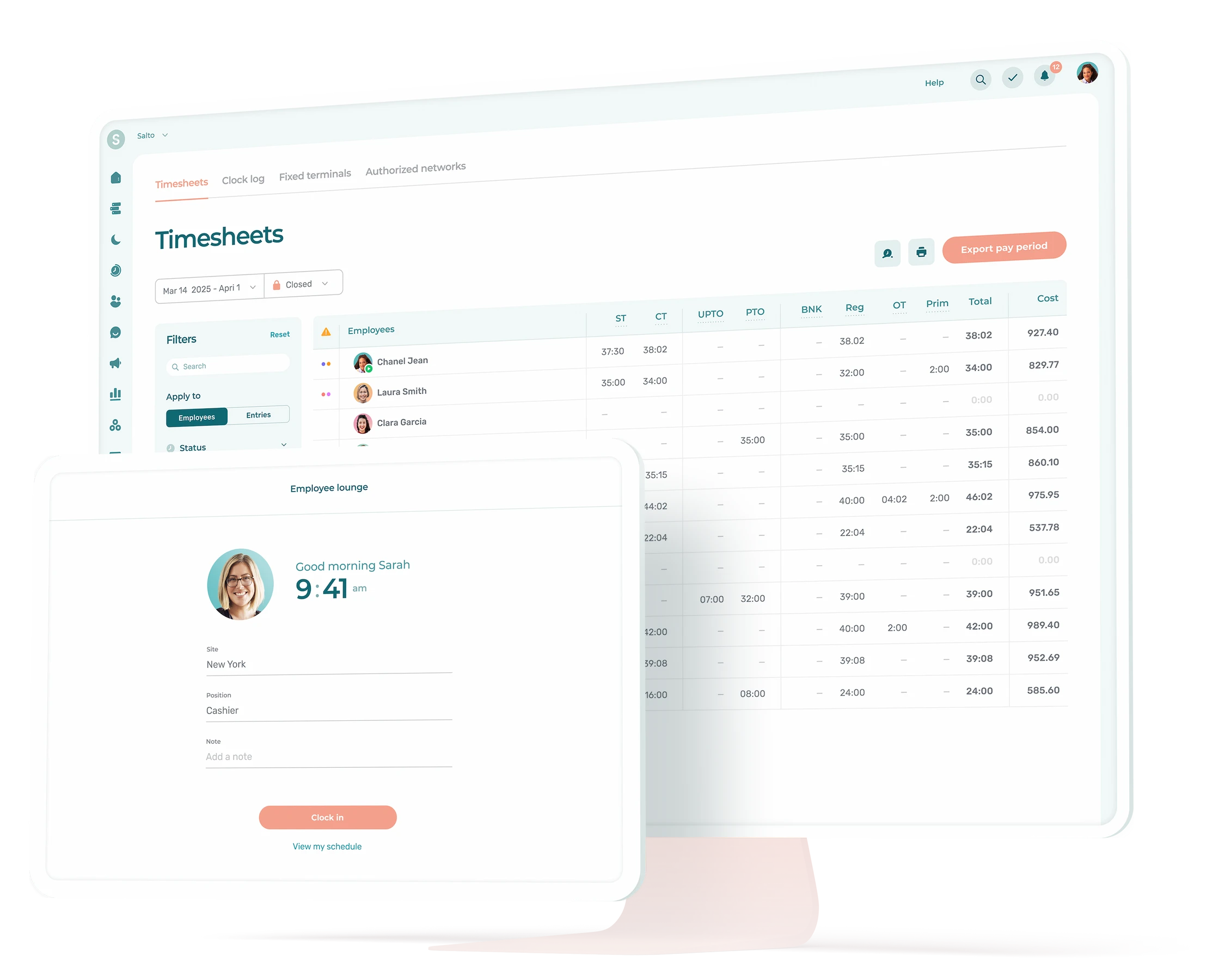
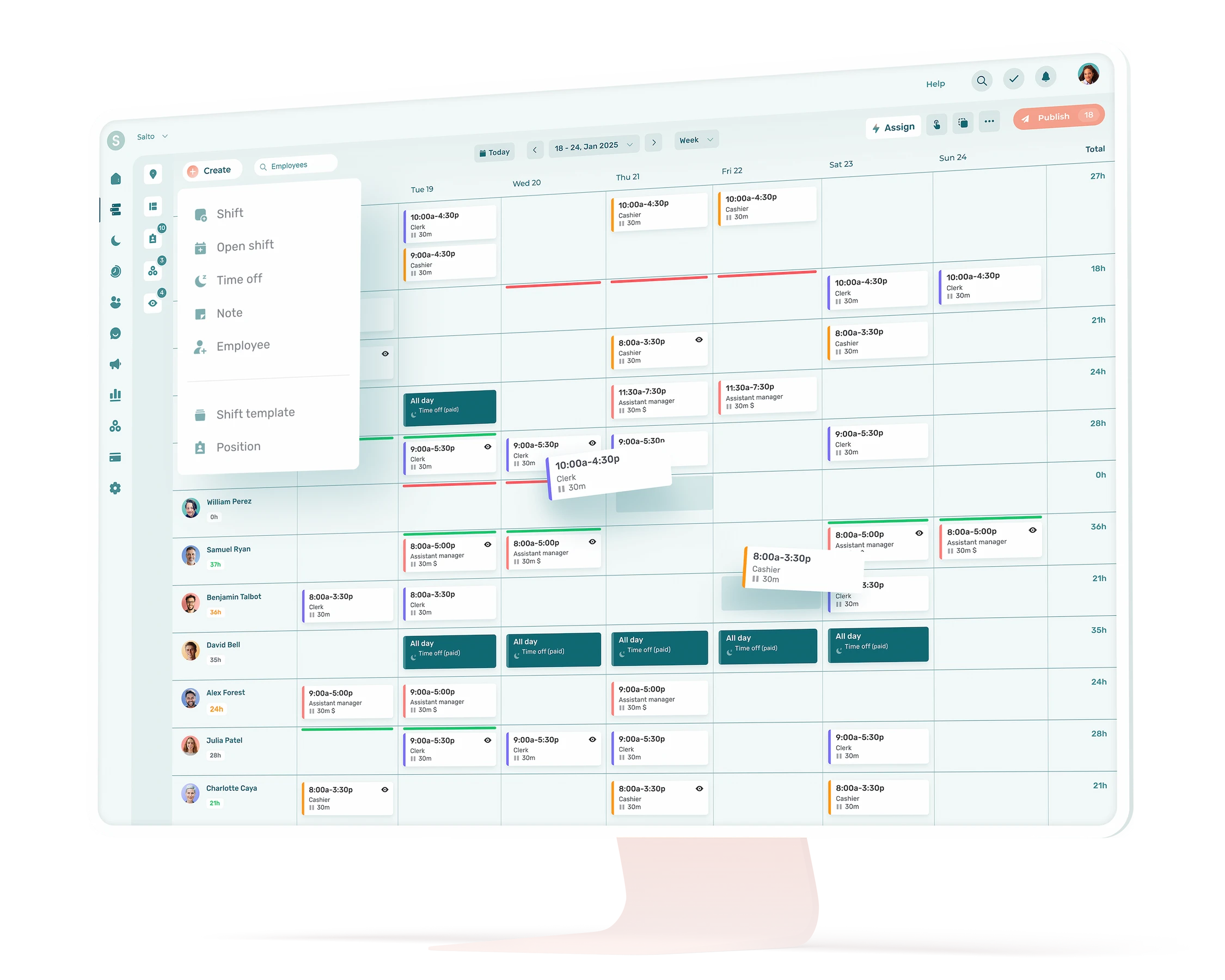
That last point matters more than it sounds. Manual retyping is where small businesses lose money to errors and where audits find inconsistencies. A clean export from your employee scheduling software into payroll closes the loop. If you are still running timesheets in Excel, your first improvement is upstream of payroll, not in it.
Step 1: Register with the CRA
Before you cut your first paycheque, you need a payroll program account with the CRA. This is the “RP” account that gets attached to your nine-digit business number (BN), giving you a 15-character payroll account number that looks like 123456789RP0001.
You register either online through the CRA’s Business Registration Online tool, by phone, or by filing form RC1. If you already have a BN for GST/HST or corporate tax, you are simply adding the RP account to it. The CRA will mail you a welcome package with your remittance schedule and PD7A remittance form.
If you have employees in Quebec, you also need to register with Revenu Québec for source deductions and employer contributions. Quebec runs its own collection system in parallel with the federal one. Skipping the Quebec registration is one of the more common mistakes when an Ontario or B.C. business hires its first Quebec-based employee.
Aim to register at least a few weeks before your first payroll. The agencies are not slow, but waiting until payday to start the process is how new owners end up paying employees personally and trying to fix it afterward. If you are still in the broader setup phase, our guide to starting a business in Canada covers the registrations that come before payroll.
Step 2: Collect the right paperwork from each employee

For every employee on your payroll, you need three things on file before their first cheque:
- Social Insurance Number (SIN). Look at the actual card or document; do not just take a number off a resume. SINs that start with 9 are temporary and have an expiry date you have to track.
- TD1 forms, federal and provincial. The federal TD1 and the provincial TD1 (one for the province where the employee reports to work) determine how much income tax you withhold. If an employee does not fill them out, you default to claiming only the basic personal amount, which usually over-withholds tax.
- Direct deposit information or a void cheque. Required if you pay by direct deposit, which is how almost everyone pays now.
Keep this paperwork. The CRA can ask for payroll records going back six years, and “we changed software” is not a defence the agency entertains.
A note on the basics that often get skipped: the employment contract itself should specify the wage, the pay frequency, and which province governs the employment. The latter matters because the minimum wage in Canada varies by province, and so do statutory holidays, overtime thresholds, and vacation rules.
Looking for a simple way to collect and record all this information? Agendrix HRIS allows you to share, request and receive documents and e-signatures. You can then access everything directly in each employee record.

Step 3: Set your pay frequency
The pay frequency is how often you pay employees. The four common patterns in Canada are:
- Weekly (52 pay periods per year). Common in construction, hospitality, and other hourly-heavy industries. Best for hourly workers who need fast turnaround between work and pay.
- Bi-weekly (26 pay periods). The Canadian default for most small and mid-size businesses. Twice a year there is a “third paycheque” month, which can be either a budgeting headache or a budgeting bonus depending on how you frame it.
- Semi-monthly (24 pay periods, usually the 15th and the last day). Cleaner for salaried staff and bookkeeping, but tricky for hourly workers because pay periods do not line up with weeks.
- Monthly (12 pay periods). Rare for hourly employees and generally not preferred by them.
You can mix frequencies within one business (salaried monthly, hourly bi-weekly, for example), but most small businesses pick one and apply it across the board for simplicity. Provincial labour standards set the maximum interval between paydays in most provinces, so check your provincial rules before going beyond bi-weekly for hourly staff.
Step 4: Calculate gross pay for the period
Gross pay is everything an employee earns before deductions. For an hourly employee, the formula is straightforward, but every line item below has to be in your records:
- Regular hours at the regular rate.
- Overtime hours at the overtime rate (typically 1.5x after 40 or 44 hours per week, depending on the province and industry).
- Statutory holiday pay, calculated under your provincial formula.
- Vacation pay (typically 4% in most provinces, 6% after a longer service period in some), either accrued and paid out, or paid each period.
- Premiums and shift differentials (evenings, weekends, on-call).
- Taxable benefits (employer-paid private health premiums in some provinces, parking, employer-paid group term life insurance premiums of any amount, personal use of a company vehicle).
- Tips, in regulated cases. Tip rules vary widely by province and pooling arrangement; if you run a restaurant, our guide on whether tips are taxable in Canada walks through the specifics.
For a salaried employee, gross pay per period is the annual salary divided by the number of pay periods, plus any of the same line items (taxable benefits, premiums, vacation payouts, bonuses).
This is the step where reliable timesheets matter most. If the hours number is wrong here, every downstream calculation is also wrong, and you will only catch it when an employee notices their pay is off. The right time tracking app removes the typing-it-twice failure mode entirely.
Step 5: Calculate the three mandatory deductions (2026 rates)
Three deductions come off every paycheque in Canada outside Quebec. None of them are optional, none of them are negotiable, and all three are your job to get right.
2026 payroll rates and deadlines at a glance
| Item | 2026 value |
|---|---|
| CPP rate (employee and employer each) | 5.95% on earnings $3,500 to $74,600 |
| CPP2 rate (employee and employer each) | 4.00% on earnings $74,600 to $85,000 |
| EI rate (employee, outside Quebec) | 1.63% up to $68,900 |
| EI rate (employer, outside Quebec) | 2.28% up to $68,900 |
| T4 deadline | Last day of February |
| ROE deadline (electronic, weekly/bi-weekly/semi-monthly pay) | 5 days after end of pay period |
| Late remittance penalty | 3% to 10% based on days late |
| Mandatory electronic T4 filing threshold | 6 or more slips |
Last updated: June 2026
Canada Pension Plan (CPP and CPP2)
CPP applies to employment income above the basic exemption of $3,500 per year, up to a ceiling.
| CPP detail (2026) | Amount |
|---|---|
| Basic exemption | $3,500 |
| Year’s Maximum Pensionable Earnings (YMPE) | $74,600 |
| Year’s Additional Maximum Pensionable Earnings (YAMPE) | $85,000 |
| Employee CPP rate (on earnings $3,500 to $74,600) | 5.95% |
| Employer match | 5.95% |
| Maximum annual employee CPP contribution | $4,230.45 |
| Employee CPP2 rate (on earnings $74,600 to $85,000) | 4.00% |
| Employer CPP2 match | 4.00% |
| Maximum annual employee CPP2 contribution | $416.00 |
You deduct CPP from the employee’s pay and match it dollar for dollar as the employer. Both amounts go to the CRA together. CPP2 is the second tier introduced in 2024 for higher earners; if your employee never crosses $74,600 in pensionable earnings for the year, you can ignore it.
In Quebec, you deduct QPP instead of CPP, at slightly different rates published by Revenu Québec. The mechanics are identical.
Employment Insurance (EI)
EI applies to insurable earnings up to a ceiling.
| EI detail (2026, outside Quebec) | Amount |
|---|---|
| Maximum insurable earnings | $68,900 |
| Employee EI rate | 1.63% |
| Employer EI rate (1.4 x employee rate) | 2.28% |
| Maximum annual employee EI premium | $1,123.07 |
| Maximum annual employer EI premium per employee | $1,572.30 |
Quebec rates are lower because the QPIP covers maternity, parental, and adoption benefits separately. In Quebec, EI is 1.30% employee and 1.82% employer in 2026; you also remit QPIP on top to Revenu Québec.
Federal and provincial income tax
Income tax is the line item with the most moving parts because it depends on the employee’s TD1 form, their pay amount this period, and the province of employment (not the province where they live).
You have two reasonable ways to calculate it:
- The CRA’s Payroll Deductions Online Calculator (PDOC). Free, official, updated every January and July. You enter the pay period, gross amount, and TD1 information, and it returns the exact CPP, EI, and tax to deduct. For very small payrolls, this is genuinely all you need.
- Payroll software. Any reputable Canadian payroll product builds the rates in and updates them automatically. If you are weighing options, our roundup of the best payroll software for small businesses in Canada compares the major players.
Province of employment matters for remote workers. If you run an Ontario business and your employee reports to work in Nova Scotia, you withhold Nova Scotia provincial tax, not Ontario.
A worked example

Taylor earns $52,000 per year, works in Ontario, and gets paid bi-weekly (26 pay periods). She has no taxable benefits and his TD1 claims only the basic personal amount. Here is what one of his paycheques looks like:
| Line | Amount |
|---|---|
| Gross pay ($52,000 / 26) | $2,000.00 |
| CPP contribution (see calculation below) | $110.99 |
| EI premium ($2,000 × 1.63%) | $32.60 |
| Federal income tax (approximate, per 2026 CRA tables) | $202.95 |
| Ontario provincial tax (approximate, per 2026 CRA tables) | $97.25 |
| Net pay | $1,556.21 |
Federal and provincial tax amounts are illustrative; run PDOC for exact figures based on your employee’s TD1.
The CPP math: the $3,500 basic exemption is spread across the year, so for a bi-weekly period it works out to $134.62 ($3,500 / 26). Taylor’s pensionable earnings for the period are $2,000 − $134.62 = $1,865.38, and 5.95% of that is $110.99. (Use PDOC for the exact penny.) Her employer matches $110.99 in CPP and pays $45.64 in EI on top. So Ted costs the business roughly $2,156 per pay period, not $2,000.
Run the same logic for every employee, every pay period. PDOC or your payroll software will handle the rounding and the CRA tax tables; what you need to know as the owner is what each line is and why it is there.
Step 6: Pay your employees and issue pay stubs
Net pay is gross pay minus the three deductions (and minus any voluntary deductions you have agreed to, like RRSP contributions, health benefit premiums, or union dues).
Most Canadian employers pay by direct deposit. The pay date is whatever you have set as your standard (the Friday after the period closes, the 15th and last day, etc.). Whatever you choose, pay on time, every time. Late paycheques are a fast way to lose good employees and, in some provinces, a labour standards complaint waiting to happen.
Every employee gets a pay stub with at least the following information:
- Employer name and pay period
- Hours worked, regular and overtime
- Gross pay, broken out by component
- Each deduction, separately itemized (CPP, EI, federal tax, provincial tax, voluntary deductions)
- Net pay
- Year-to-date totals
Some provinces require a printed or electronic pay stub by law. Even where it is not strictly required, it is the only way an employee can verify what they were paid, so issue one regardless.

Step 7: Remit deductions to the CRA on your assigned schedule
Miss a remittance deadline by a single day and the CRA charges a 3% penalty; miss it by more than seven days and that climbs to 10%, with compound daily interest layered on top. The CRA does not let you sit on the deductions you have withheld. You have to send them in on a schedule the CRA assigns, based on your average monthly withholding amount (AMWA) from two calendar years ago.
| Remitter type | Trigger | Due date |
|---|---|---|
| Quarterly (new small employer) | First-year employer with monthly withholdings under $1,000 and a perfect compliance record | Quarterly: Apr 15, Jul 15, Oct 15, Jan 15 |
| Quarterly (existing small) | AMWA under $3,000 over the two preceding calendar years, plus perfect compliance | Quarterly: Apr 15, Jul 15, Oct 15, Jan 15 |
| Regular | AMWA under $25,000 | 15th of the following month |
| Threshold 1 accelerated | AMWA $25,000 to $99,999.99 | Twice monthly (25th of same month / 10th of next) |
| Threshold 2 accelerated | AMWA $100,000 or more | Within 3 business days of each pay date |
The CRA notifies you of your remitter type each November for the following year. If you do not get a notice, you are a regular monthly remitter by default.
You pay through online banking (add “Federal – Payroll Deductions” as a payee using your 15-character RP account number), through the CRA’s My Payment service, by pre-authorized debit, or at the bank with a remittance voucher. Online banking is by far the simplest for a small business.
Late penalties are not subtle:
- 3% for amounts 1 to 3 days late
- 5% for 4 to 5 days
- 7% for 6 to 7 days
- 10% for more than 7 days
- 20% for a second offence in the same calendar year, if the failure was made knowingly or under gross negligence
The 3% to 10% penalties apply only to the portion of the missed remittance above $500, so a $400 miss is small change and a $40,000 miss is real money. If the CRA finds the failure was knowing or grossly negligent, the penalty applies to the full amount.
Compound daily interest is charged on top of the penalty. Each missed remittance is penalised separately. Putting these dates in a recurring calendar reminder is one of the highest-leverage things a small business owner can do.
Step 8: Year-end obligations (T4s and reconciliation)
After December 31, you have until the last day of February to do three things:
- Issue a T4 slip to every employee who worked for you during the calendar year, summarizing their gross pay, CPP, EI, and tax withheld. Employees use this to file their personal tax return.
- File the T4 Summary with the CRA, which totals the T4s and reconciles them against what you actually remitted during the year.
- Reconcile any discrepancies. If you remitted more than you should have, you can apply for a refund. If you remitted less, you owe the difference plus interest.
T4s are filed electronically through the CRA’s Web Forms or your payroll software. Electronic filing is mandatory for any employer issuing 6 or more T4 slips in 2026 (a tightening from the old 50-slip threshold).
Quebec employers also file an RL-1 slip with Revenu Québec for each employee, on the same end-of-February timeline.
A handful of provinces add their own annual employer obligations on top. Ontario has the Employer Health Tax (EHT) for payrolls above the exemption threshold. B.C. and Manitoba have similar payroll-based health taxes. Every province has a workers’ compensation board (WSIB in Ontario, CNESST in Quebec, WorkSafeBC, WCB Alberta, and so on), and you file an annual return for that as well.
When an employee leaves: the Record of Employment

When an employee experiences an interruption in earnings (a termination, a layoff, a parental leave, an extended unpaid absence), you have to issue a Record of Employment (ROE) to Service Canada. This is the document the employee uses to apply for EI benefits.
The deadline depends on how you file. Almost every modern employer files electronically through ROE Web, the method Service Canada strongly prefers: if your pay period is weekly, bi-weekly, or semi-monthly, you have 5 calendar days after the end of the pay period in which the interruption occurred to file. Paper ROEs have a different rule: 5 calendar days from the interruption itself.
Late ROEs are one of the more common ways small businesses get a complaint filed against them, because a delayed ROE delays the former employee’s EI claim, and they will not be subtle about following up.
The places small business owners trip up
A few patterns the CRA sees over and over:
- Treating contractors as employees, or the reverse. The CRA tests the relationship on substance, not on what you put in the contract. If you control how, when, and where someone works, they are likely an employee, regardless of how you pay them.
- Forgetting taxable benefits. Employer-paid group term life insurance premiums (any amount, no coverage threshold), personal use of a company vehicle, and most gift cards are taxable. Broadly usable gift cards (Visa, Amazon, Walmart, etc.) are taxable from the first dollar; only restricted, closed-loop cards meeting CRA’s criteria qualify for the $500 non-cash gift exemption. Miss any of these and your T4s will be wrong.
- Using the wrong province for tax. The province of employment, where the employee reports to work, governs provincial tax. Not their residence, not your head office.
- Crossing a remittance threshold without noticing. Growing from 30 employees to 60 can quietly push your AMWA past $25,000 and turn you from a regular remitter into a Threshold 1 accelerated remitter. The CRA tells you, but you only find out at year-end if you missed the notice.
- Filing ROEs late. For electronic ROEs (which is most of you), the clock is 5 calendar days from the end of the pay period in which the interruption occurred, not 5 days from the interruption itself. This is on the small list of mistakes that generates a Service Canada complaint within a week.
- Skipping the upstream data work. Bad timesheets and ad-hoc overtime tracking lead to incorrect gross pay, which leads to incorrect deductions, which leads to messy T4s. Automating the schedule-to-payroll handoff removes most of this whole category of error.
Payroll done right is mostly invisible
A well-run small business payroll is boring. Hours come in clean, deductions calculate themselves, employees get paid on time, the CRA gets its remittance on the 15th, and at year-end the T4s match what you remitted to the dollar. None of that requires a CFO or a payroll specialist; it requires a tight setup, a calendar, and tools that talk to each other.
If payroll feels chaotic, the fix is almost never a better calculator. It is a better workflow upstream.
How do I run payroll in Canada for the first time?
To run payroll in Canada for the first time, register for a payroll (RP) account with the CRA, collect a Social Insurance Number and signed TD1 forms from each employee, set a pay frequency, and choose either the CRA’s free Payroll Deductions Online Calculator (PDOC) or Canadian payroll software to calculate deductions.
Each pay period, calculate gross pay, withhold CPP, EI, and income tax, pay the employee the net amount, issue a pay stub, then remit the deductions to the CRA on the schedule the agency assigns you.
What are the mandatory payroll deductions in Canada in 2026?
Three deductions are mandatory across Canada outside Quebec: Canada Pension Plan (CPP), Employment Insurance (EI), and federal plus provincial income tax. In 2026, the employee CPP rate is 5.95% on earnings between $3,500 and $74,600, with a second tier (CPP2) at 4.00% on earnings between $74,600 and $85,000.
The employee EI rate is 1.63% on insurable earnings up to $68,900. In Quebec, QPP replaces CPP and you also remit QPIP premiums to Revenu Québec.
How often do I have to send payroll deductions to the CRA?
Your CRA payroll remittance frequency is set based on your average monthly withholding amount (AMWA) from two calendar years ago. Most small businesses with an AMWA under $25,000 are regular monthly remitters and must pay by the 15th of the month following the month the deductions were withheld.
Very small employers with an AMWA under $3,000 over the two preceding years and a perfect compliance record can qualify as quarterly remitters. Larger employers shift to twice-monthly or near-real-time accelerated schedules.
What is the penalty for paying CRA payroll remittances late in 2026?
The CRA charges a 3% penalty for remittances 1 to 3 days late, 5% for 4 to 5 days, 7% for 6 to 7 days, and 10% for more than 7 days. A second offence in the same calendar year can be assessed at 20%. Compound daily interest is charged on top of the penalty, and each missed remittance is penalised separately. There is no grace period.
When are T4 slips due in Canada?
T4 slips must be issued to every employee and filed with the CRA by the last day of February following the calendar year being reported. Quebec employers also issue RL-1 slips to employees and file them with Revenu Québec on the same deadline. Electronic filing through the CRA’s Web Forms or your payroll software is mandatory for any employer issuing 6 or more T4 slips in 2026.
What is a Record of Employment (ROE) and when do I have to issue it?
A Record of Employment (ROE) is the document a Canadian employer issues to Service Canada whenever an employee experiences an interruption in earnings, including termination, layoff, unpaid leave, parental leave, or extended absence. You must file the ROE electronically through ROE Web (most payroll software integrates with it) within 5 calendar days after the end of the pay period in which the interruption occurs.
The former employee uses the ROE to apply for EI benefits, so a late ROE delays their claim and is one of the most common ways a small business gets a Service Canada complaint filed against it.
How long do I have to keep payroll records in Canada?
The CRA can request payroll records going back six years from the end of the tax year they relate to. Required records include time and attendance data, pay stubs, signed TD1 forms, T4 slips, T4 Summaries, ROEs, and proof of remittances. “We changed payroll software” is not an accepted defence during a CRA audit, so export and archive your records before switching providers.