AI Employee Scheduling: How It Works, Benefits, and Best Software (2026 Guide)
Key takeaways
- AI employee scheduling helps managers save hours each week by automating shift creation, preventing errors, and handling last-minute changes smoothly. (McKinsey, 2025)
- These tools improve fairness and compliance by factoring in labour laws, rest periods, skills, availability, and employee preferences.
- The best employee scheduling software includes predictive scheduling, time-off tracking, integrated time and attendance, mobile apps, and built-in communication tools.
- When choosing a tool, look for ease of use, mobile-first design, integrations, transparent pricing, and strong support.
Building work schedules by hand? Still juggling spreadsheets? There’s a better way. AI-powered employee scheduling helps you save time, cut costs, and keep your team happy. Here’s how they work and what to look for.
What Is AI Employee Scheduling?
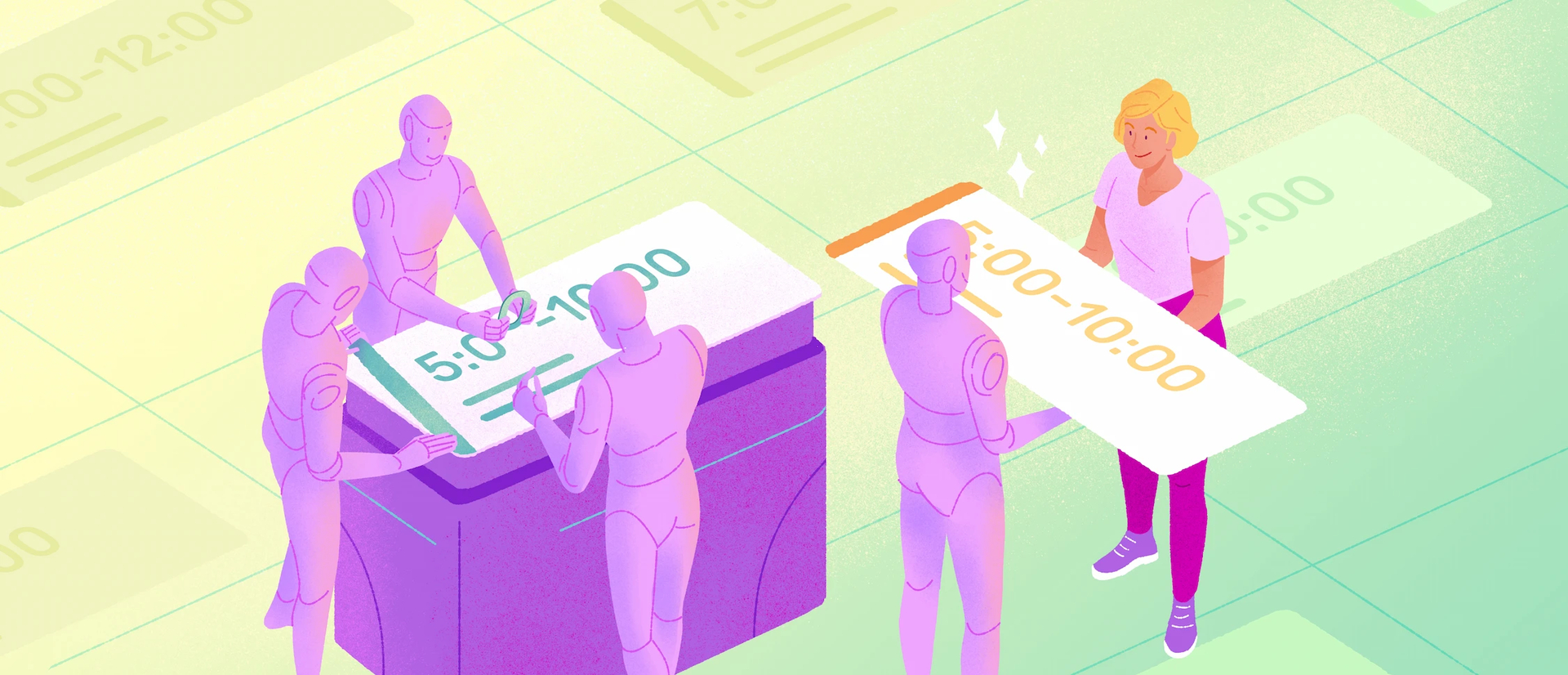
AI employee scheduling uses data like demand history, availability, skills, and labor rules to draft fair, compliant shift plans in seconds. Managers review, adjust, and publish while the system flags conflicts and suggests replacements. The result is faster planning, fewer errors, and steadier coverage.
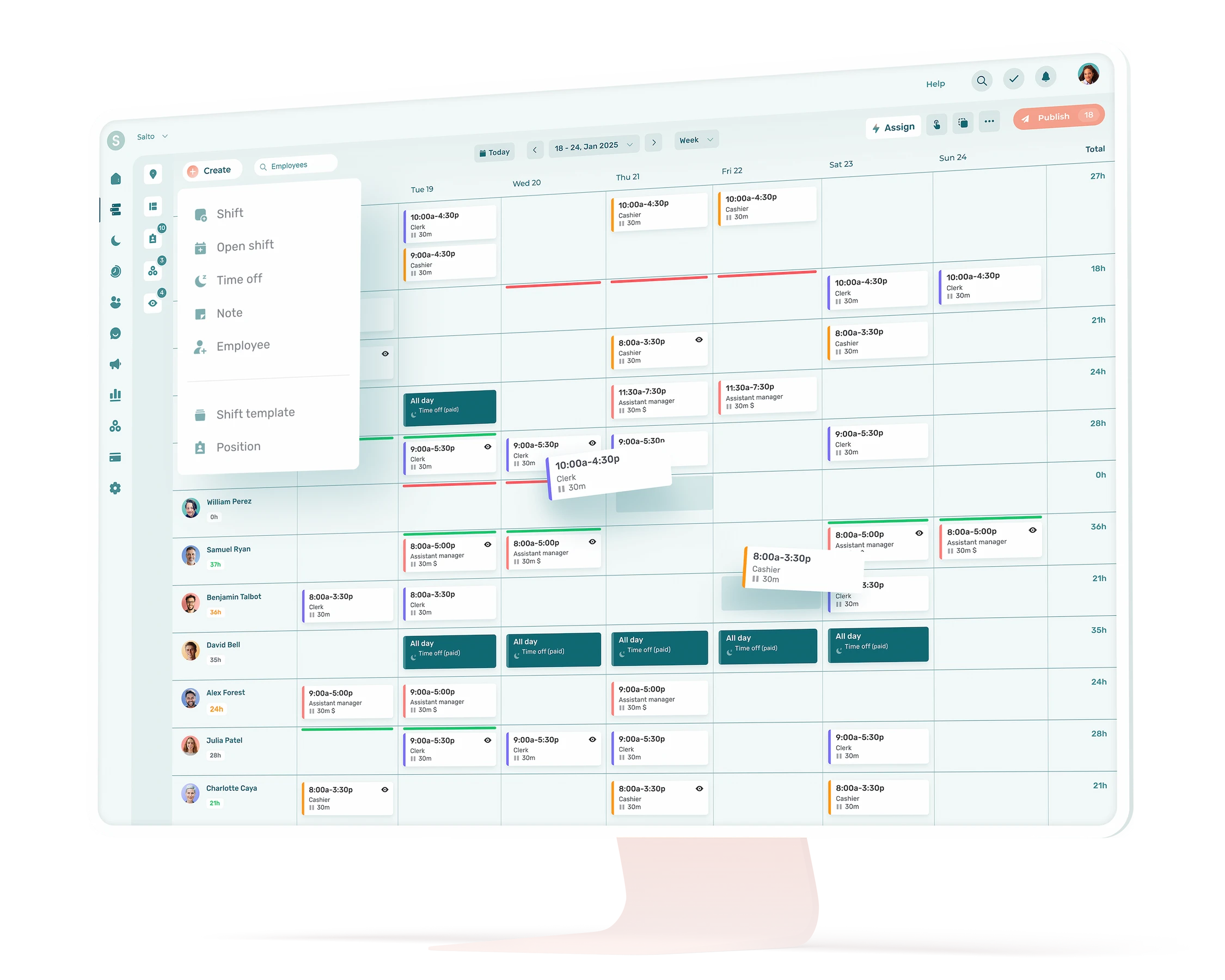
Benefits at a glance
- Save time: cut weekly scheduling from hours to minutes.
- Right-sized staffing: align shifts with real demand to lower costs.
- Compliance and fairness: respect rules, rest periods, and preferences.
- Fewer fire drills: quickly handle swaps, call-outs, and changes.
What Is Employee Scheduling?

On paper, scheduling looks simple. Just plug people into shifts.
In reality, it’s juggling a dozen moving parts: labour laws, employee availability, special skills, time‑off requests, and fair treatment across the board. Miss one variable and you might get overtime costs, compliance issues, or a team that feels overlooked.
Every week, managers spend hours building their work schedules. And all that effort? It still leads to errors, missed shifts, and frustrated teams.
Enter employee scheduling apps and AI. 🤝
88% of organizations now use AI in at least one function (up from 78% last year). (McKinsey)
And when it comes to employee scheduling, we shouldn’t see AI as a silver bullet, but as a smart helper. A tool to reduce manual work and build better, fairer schedules. As one recent industry article puts it: AI‑powered scheduling helps save admin time, cut labour costs, and keep teams satisfied.
In this article, we’ll break down:
- Why scheduling is so tricky
- What features matter when you choose a scheduling software
- How AI can make planning smoother, realistically
Why Employee Scheduling Is so Hard
Double-booked shifts. Forgotten requests. Too many hours. Not enough rest. These mistakes don’t just create frustration, they can lead to costly compliance issues and employee burnout.
Fairness is another sticking point. When some employees always get stuck with the worst shifts, resentment builds. Manual scheduling makes it hard to keep things balanced and transparent.
That’s the real cost of spreadsheets and sticky notes. They’re slow, error-prone, and don’t scale with your team.
Scheduling is complex. But the right tools, especially AI-powered ones, can make it manageable.
Key Features
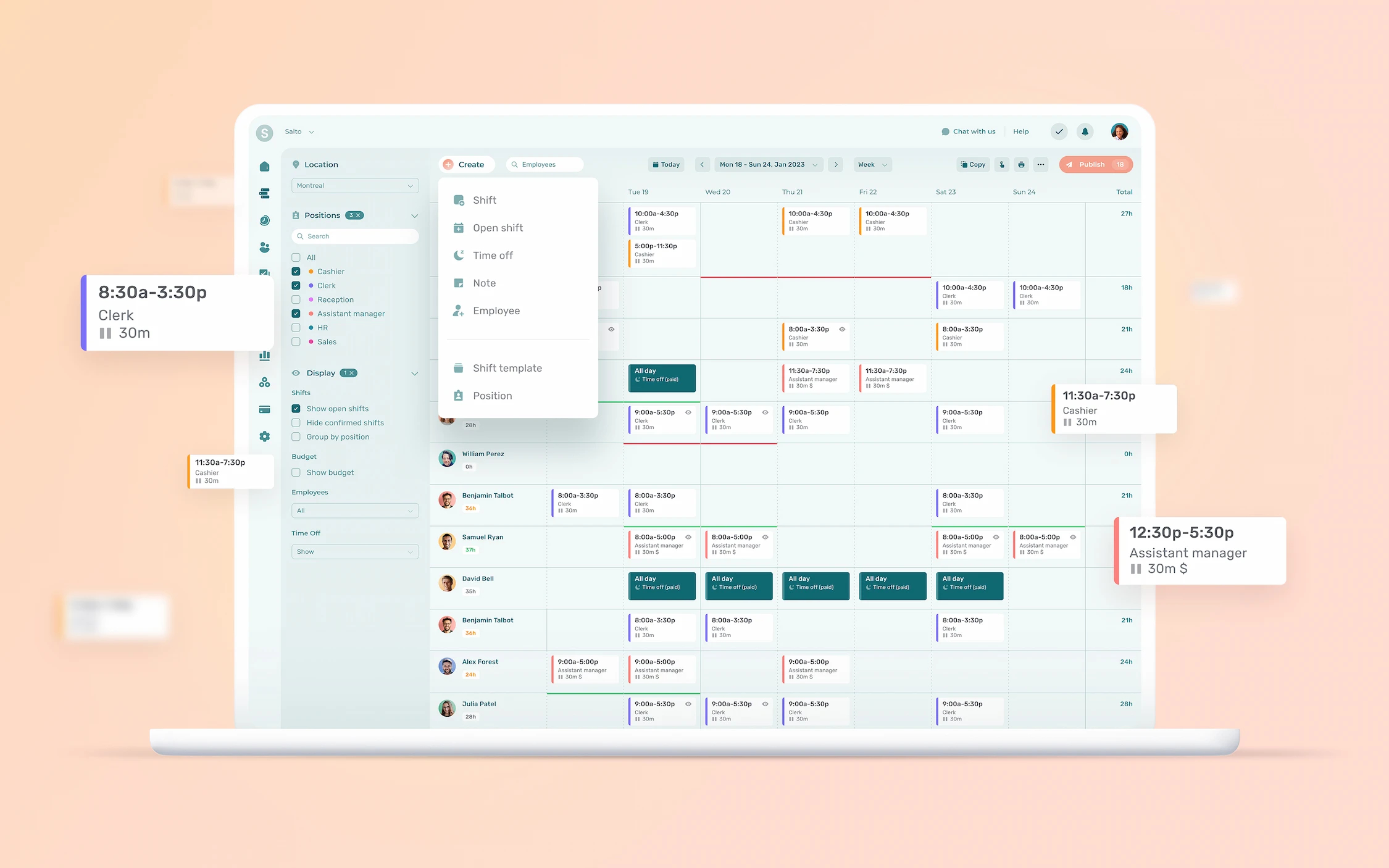
Not all scheduling tools are created equal. Some just fill shifts. Others actually help you run a better business.
In a 2025 survey, SelectHub asked over 35 business leaders and HR pros what they really want from their scheduling software. The results? Clear, and very aligned with what we hear from our own clients.
Here are the features they ranked most important:
Predictive scheduling
94% said this was crucial: the software uses past data and trends to forecast staffing needs. No more guessing. Just the right number of people at the right time.
Automated time‑off accruals
79% considered tracking vacations and sick days in real-time a must‑have. It avoids double bookings and helps to plan ahead.
Time and attendance management
74% rated this feature essential. Clock-ins, breaks, overtime, all automatically recorded. This cuts down payroll errors and enforces the rules.
Employee management/self‑service
68% wanted robust employee‑management tools: centralized profiles for each employee, plus self-serve tools. Staff can check their schedule, swap shifts, and submit requests, without texting the manager at 10 p.m.
Team communication tools
61% said effective communication tools were important. Built-in messaging and notifications mean fewer missed shifts. And no more Facebook groups.
Mobile capabilities
64% wanted mobile access, a scheduling app that works wherever your team is. Managers can adjust schedules on the fly. Employees get updates instantly.
Reporting and analytics
59% looked for reporting tools. Real-time dashboards that show hours worked, costs, and trends. Helps spot imbalances early, and improves over time.
*Percentages reflect the share of survey respondents who considered the feature either “crucial” or “must‑have.”
Best AI Employee Scheduling Software
AI scheduling tools go beyond just filling shifts. Used well, they turn scheduling from a headache into a predictable, fair, efficient process. Here’s how, and what it looks like on the ground.
1. Automating Schedule Creation and Reducing Admin Time
Rather than manually slotting people in week after week, the software builds a first draft in seconds based on availability, skills, contracts and demand history. Managers can reduce scheduling time from hours to minutes per week.
For instance, AI employee scheduling software can:
- Create work schedules using selected employees, while respecting desired work hours
- Turn schedules into reusable templates
- Automatically assign missing shifts
Example: A retail manager used to spend Tuesday afternoons juggling Excel sheets to match business requirements with team availability. Now, she opens her scheduling app, presses “Generate,” and previews a full roster, freeing her up to focus on staff training instead of shift‑filling.
2. Handling Last‑Minute Changes & Emergencies Gracefully
People call in sick. Demand spikes. Plans change. AI makes it that much easier for managers to re‑optimize the schedule, flag conflicts, and find replacements, fast.
Example: In a restaurant on a busy Friday night, a cook calls in sick. The manager’s app instantly alerts eligible substitutes and sends notifications. Crisis averted, service stays smooth.
3. Demand Forecasting to Match Staffing to Needs
Software doesn’t guess: it analyzes past patterns (sales, traffic, volume) to forecast busy times and staff accordingly. That avoids overstaffing (wasted labour cost) or understaffing (customer frustration or employee burnout).
Example: A pharmacy uses AI to forecast weekend rushes based on past data. On Saturday mornings, the system automatically schedules two extra staff. No chaos, just calm checkouts.
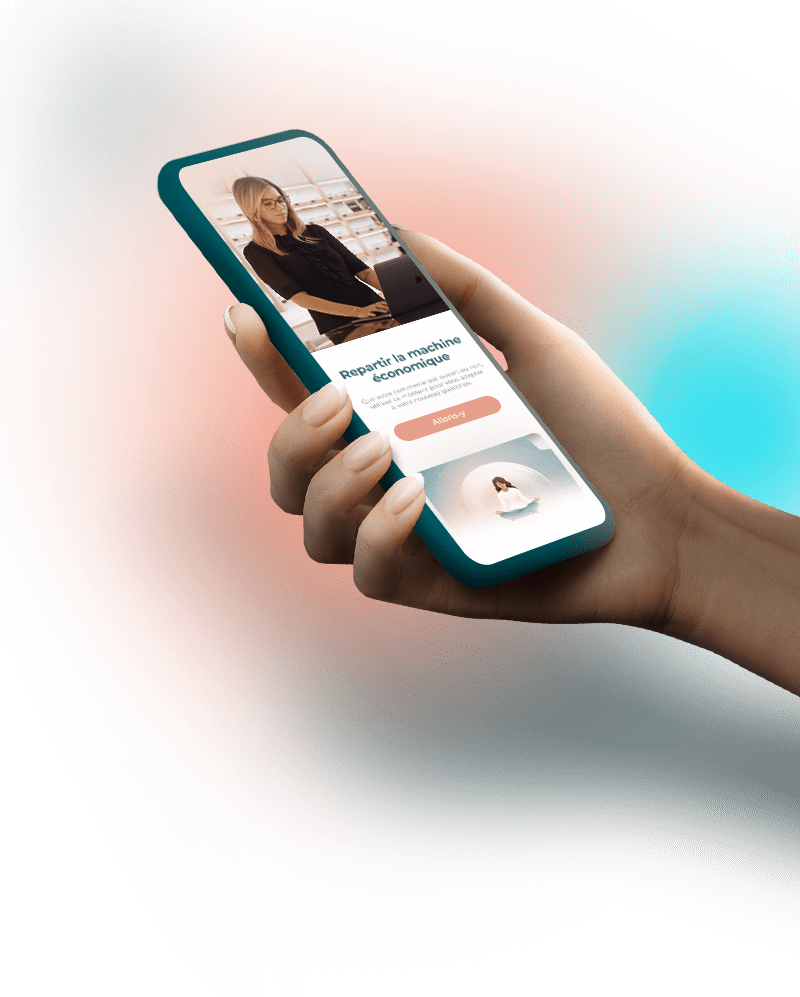
In Agendrix, the weather forecast helps managers in industries such as restaurant, tourism and retail better predict traffic and schedule staff accordingly.
4. Reducing Errors and Preventing Compliance Slip‑ups
Complex schedules + many employees = high risk of human error. Automation embeds labour‑law rules, rest periods, overtime limits, certifications and company policies. The system flags issues before they become problems.
Example: A manager gets a warning that assigning back‑to‑back shifts would exceed allowed rest time. She adjusts before posting the schedule avoiding frustrated staff and possible fines.

5. Balancing Employee Preferences and Fairness
Good AI takes into account availability, time-off requests, and seniority, which helps ensure fairness. This reduces “always stuck on the crappy shifts” complaints.
Example: A part‑time employee requests every first Friday of the month off for family commitments. The automation honors it month after month, and teammates rotate shifts fairly, avoiding resentment.
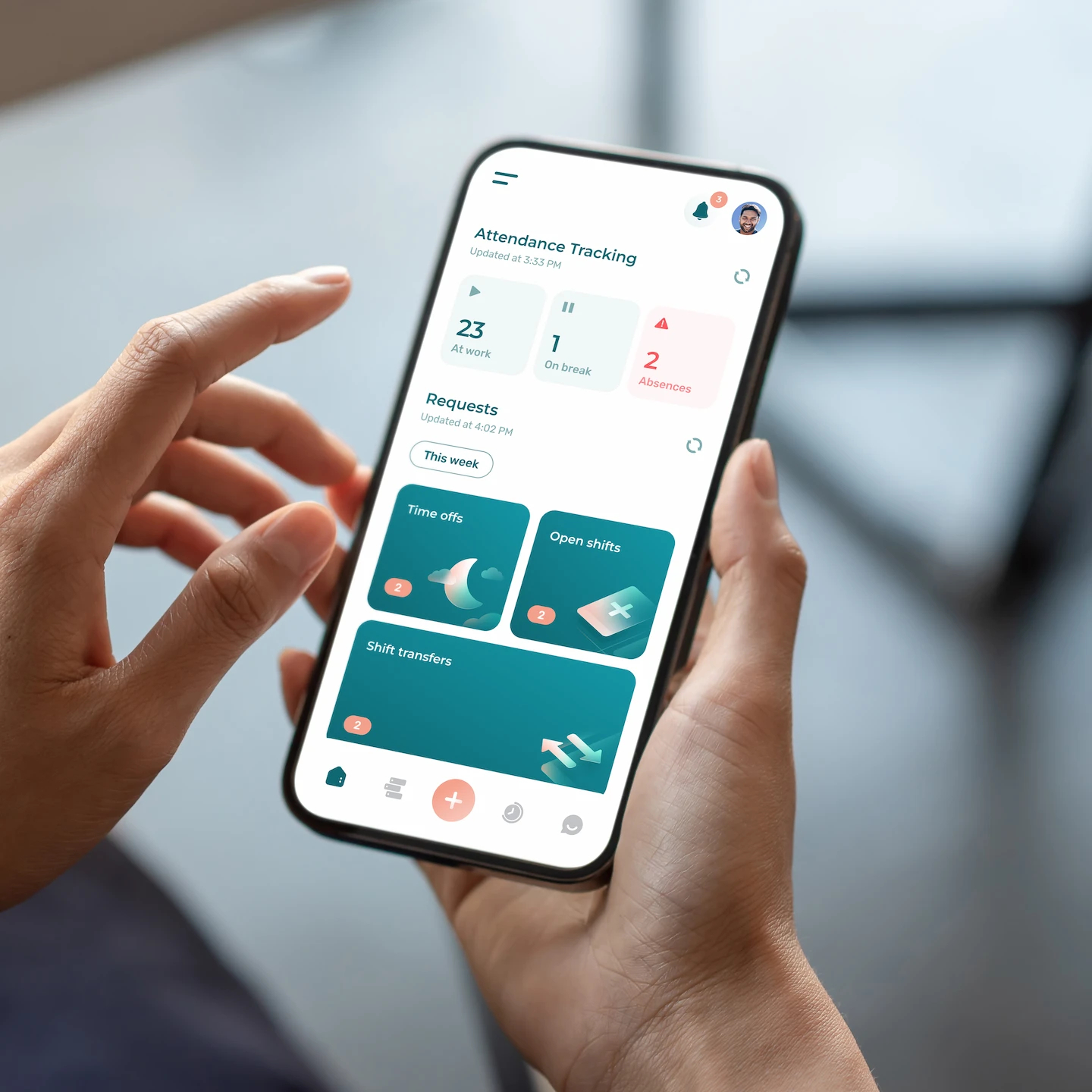
6. Mobile Access + Self‑Service to Empower the Team
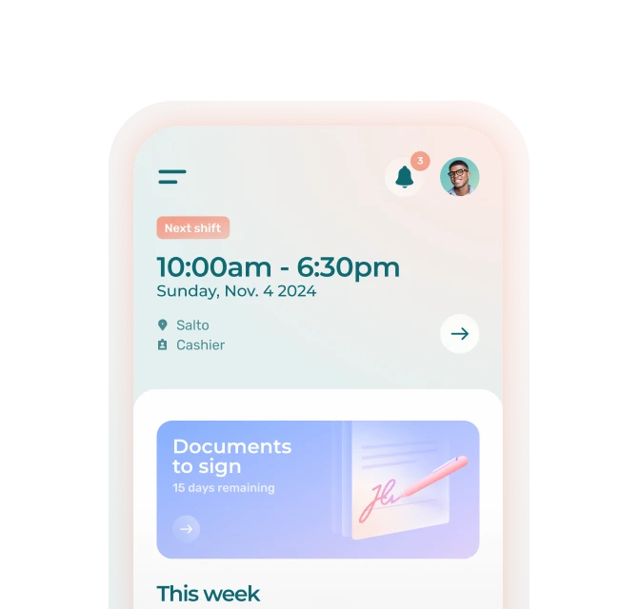
With a mobile app, employees can check their schedules, request time off or swaps, accept shifts, or see updates in real time. Less back‑and‑forth, fewer surprises.
Example: A part-time nurse at a seniors’ residence notices an available shift on one of her days off and picks it up directly on the app. No manager calls, no email chains.
7. Integrating Time‑Tracking, Payroll & Analytics
When scheduling ties directly into time‑tracking and payroll, you stop duplicating work. You can even get insights from dashboards: labour costs, overtime, staffing trends. Data you actually can use to improve operations.
Example: At the end of the month, a manager notices overtime spiked on weekends. She adjusts future schedules to control labour costs.
8. Better Communication & Shift‑Change Management
Scheduling tools assisted with AI often include built-in notifications, messages, or alerts when schedules change or shifts open. No more scrambling SMS, WhatsApp groups, or sticky notes. This reduces missed shifts or confusion.
Example: A pharmacy clerk gets a push‑notification about a swap request and approves it on their phone in two taps. Smooth, instant, no manager micromanaging.
How to Choose: What to Consider
The most important thing when choosing an employee scheduling software that relies on AI, is the same as it would be with any business productivity tool: it must meet your organization’s requirements. Important things to consider include:
✅ Built-In Compliance
Can the tool handle your local labour laws, union rules, and internal policies? A good platform flags issues such as too much overtime or not enough rest time, before they happen.
👍 Easy to Use
Is it simple enough for everyone to adopt? Look for something intuitive that works for both tech-savvy and not-so-technology-embracing team members.
📱 Mobile‑First Experience
Can your team manage their schedule on the go? Mobile access isn’t a nice-to-have anymore. Your software should work wherever your people are, whether they’re checking shifts, picking up extra hours, or swapping with a coworker. The same goes for managers who need to check things on the go.
❤️ Support That Actually Supports
Will you have help when you need it? Check what kind of onboarding, support, and training is offered (and its online rating on third party sites such as G2 or the App store). Bonus points if the team behind the tool speaks your language!
🔄 Seamless Integration
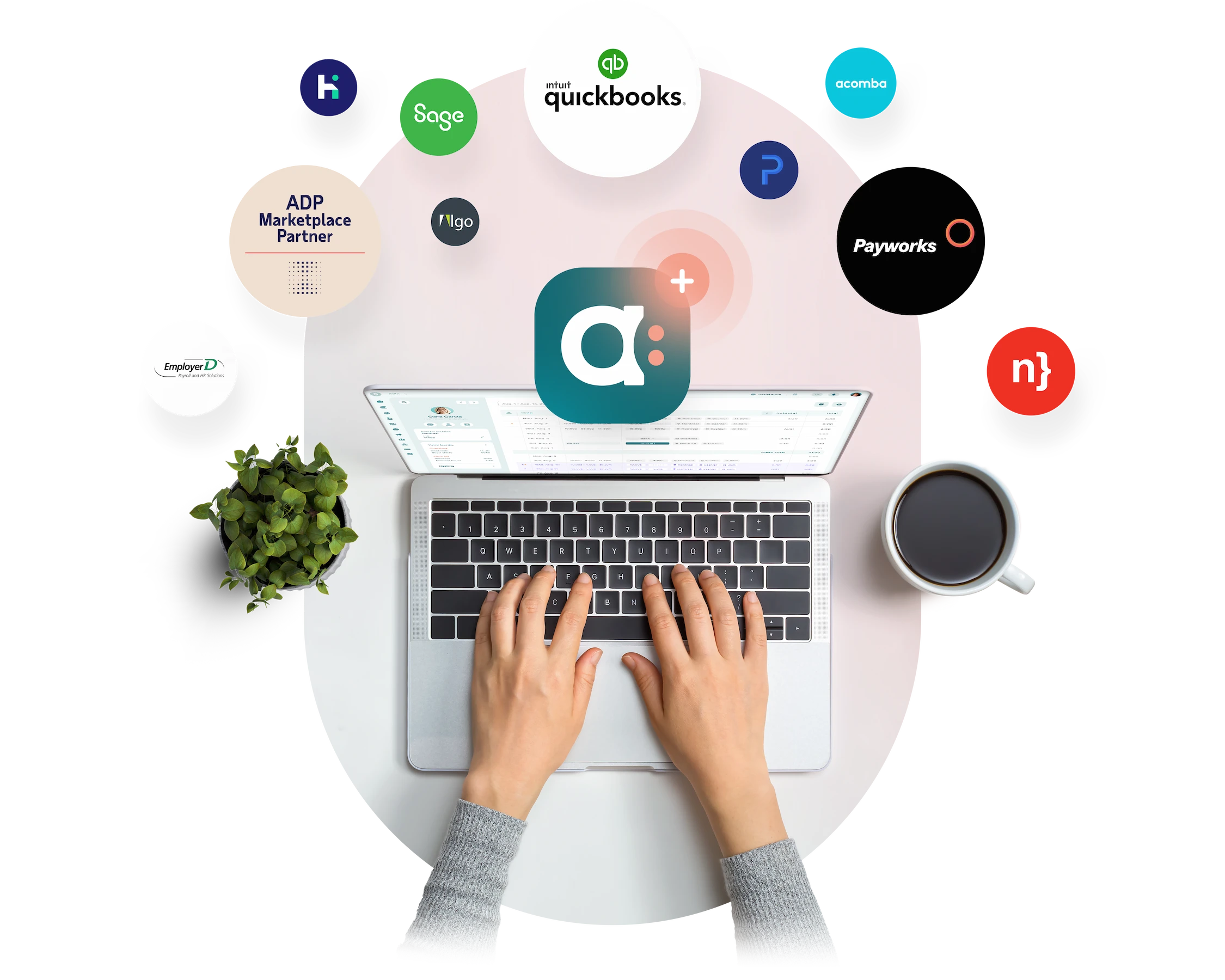
Does it connect to your other business tools such as payroll? Avoid tools that live in their own world. The best ones connect to your existing platforms so that you don’t have to manually transfer information that was automatically produced.
💰 Transparent Pricing
Is it clear what you’re paying for? Because we all have a bottom line. Some tools hide essential features behind paywalls. Make sure the pricing is transparent, flexible, and reflects the value you’re getting.
✨ Bonus Features to Look For
Depending on your needs, you might also want:
- Automated shift filling
- Absence tracking
- Shift bidding
- Real-time alerts
- Demand forecasting
- Performance dashboards
Want a head start? Here’s a breakdown of the top employee scheduling tools, according to Forbes. Agendrix is included, and spoiler: we’re proud to have ranked first. 🙌
Conclusion
AI isn’t replacing managers: it’s making their lives easier. By removing guesswork and repetitive tasks, AI-powered employee scheduling frees up time, reduces costly mistakes, and helps teams work more smoothly.
And the benefits go beyond the back office. Fair, accurate schedules mean employees feel respected, not replaced.
Ultimately, scheduling software with AI isn’t just a time-saver. It’s a strategic tool for better management, better communication, and better teams.
If you’re still juggling Excel spreadsheets or chasing last-minute swaps, now’s the time to try something smarter. Your future self (and your team) will thank you.
What is AI employee scheduling?
AI employee scheduling uses automation and machine learning to create work schedules based on historical demand, availability, skills, time-off requests, and labour rules. It produces a strong first draft that managers can review and adjust. The goal is faster scheduling, fewer errors, and more consistent coverage.
Does AI scheduling replace human decision-making?
No. Think of AI as an assistant. It suggests a schedule, flags conflicts, and highlights potential issues. Managers still make final decisions and handle situations that software cannot fully understand.
Is AI scheduling only for large companies?
No. Modern tools work just as well for small and medium businesses as they do for larger organizations. Whether you manage 10 or 100 employees, AI can help save time, reduce costs, and create fairer schedules.
Can automation help with shift swaps or last-minute changes?
Yes. Self-service tools notify qualified employees when a shift opens or a swap is requested. Staff can respond directly in the app, which helps managers fill gaps faster and reduces back-and-forth.
What about compliance with labour laws?
Good scheduling software applies built-in rules for local regulations, union agreements, rest periods, and overtime limits. It alerts managers to potential violations before the schedule is published, helping reduce risk and last-minute fixes.
How does AI handle last-minute staffing changes or absences?
AI tracks real-time availability and suggests qualified replacements when a shift becomes open. Managers can approve changes with a few clicks, and employees receive instant notifications so coverage stays on track.
What are the risks of AI employee scheduling?
AI employee scheduling works best with human oversight. If it relies on incomplete data or outdated rules, schedules can feel unfair or miss real-world constraints like fatigue or team dynamics.
There is also a risk of over-optimizing for costs instead of employee experience. That is why the best results come from using AI as a starting point, with managers reviewing and adjusting before publishing.