

Key takeaways
- Our 2026 review scores six top tools using a 100-point rubric covering scheduling depth, CRA alignment, pricing, support, languages, and integrations.
- Canadian-built platforms offer the best local fit, especially for compliance, French support, CAD pricing, and data residency.
- Agendrix employee scheduling software stands out for SMBs with intuitive scheduling, bilingual support, and payroll integrations.
Finding the right employee scheduling app can transform how you manage your shift‑based business. This guide uses a comparison scorecard to benchmark the top tools for Canadian companies in 2026.
The best employee scheduling apps for Canadian businesses depend on your industry. Restaurants need shift swap and tip pooling features. Retail needs demand forecasting and multi-location coordination. Healthcare needs 24/7 coverage tools and certification tracking. The top-scoring platforms for Canadian SMBs in 2026 are Agendrix, 7shifts, MakeShift, When I Work, Homebase, and Deputy.
For Canadian SMBs managing hourly or shift‑based teams, choosing an effective employee scheduling app isn’t just about picking a calendar tool: it’s about tackling scheduling complexity, compliance, and cost.
Wages keep climbing at Canadian businesses, up 2.3% in 2025 according to Statistics Canada. For SMBs running shift-based teams, that’s real pressure on labour costs. The right scheduling tool is one of the simplest ways to relieve it.
With this in mind, we’ve reviewed and compared the highest‑rated tools available in Canada for 2026 to help you find the right fit.
Why Should Canadian SMBs Compare Employee Scheduling Tools in 2026?
Provincial rules, Canada Revenue Agency (CRA) workflows, and bilingual needs make employee scheduling apps in Canada a specialized choice. Comparing tools now helps you match scheduling features, payroll compatibility, and pricing in CAD to your real constraints. It also filters out vague claims about being powered by AI and highlights options that actually improve shift coverage and costs.
Employee scheduling has evolved far beyond pen, paper, and Excel templates. In 2026, Canadian businesses face new challenges that make modern scheduling tools essential:
- Labour compliance is getting more complex. With varying provincial labour laws, overtime rules, and minimum rest periods, manual scheduling is a liability. Especially for multi-location employers.
- Hiring and retention are harder than ever. A recent survey by the Canadian Federation of Independent Business (CFIB) found that over 53% of small business owners still cite labour shortages as a major barrier to growth.
- Everyone’s selling AI, but few deliver real value. Generative AI and large language models (LLMs) are now embedded in many business tools, promising smarter scheduling, forecasting, and automation. But here’s the catch: nearly every vendor claims to be “AI-powered,” yet few explain what that actually means.
- Data residency matters. Canadian employee data is subject to strict privacy laws. Scheduling apps store sensitive information like names, social insurance numbers, addresses, phone numbers (any information that can help identify a person). Providers must follow strict security standards and comply with Canadian privacy regulations.
- Canadian businesses need local support. Most global scheduling apps are built for U.S. markets and don’t support French, Canada Revenue Agency compliant payroll, or local holiday rules out of the box.
That’s why this guide focuses specifically on employee scheduling apps for Canada: tools built or adapted for our market, with the features and support that local SMBs actually need.
How Did We Evaluate Employee Scheduling Apps for Canadian Businesses?
We scored each platform on scheduling depth, payroll and CRA alignment, ease of use, pricing, bilingual support, and integrations. We only included tools available in Canada with mobile apps and transparent pricing, then applied a 100-point rubric to surface the best fit for Canadian shift teams.
We prioritized apps that:
- Are available, well-supported and developed in Canada
- Offers bilingual (English/French) user interfaces and customer support
- Supports key scheduling features like time-off management, drag and drop scheduling, shift swapping, and attendance tracking
- Includes or integrates with payroll tools that help meet Canada Revenue Agency (CRA) requirements
- Is affordable and scalable for growing teams
- Receives consistently strong reviews from real users on platforms like Capterra, G2, and the App Store
All tools were researched and reviewed in December 2025, based on publicly available information sourced from vendor websites, product documentation, pricing pages, and customer reviews.
Each app received a score out of 100 🍁 based on the criteria outlined in our scoring rubric below.
⚠️ Disclaimer
This article was created by the team at Agendrix. While we include our own platform in this list, we’ve done our best to provide a fair, research-backed comparison of employee scheduling tools available to Canadian businesses.
All information is based on publicly available data at the time of writing. Features, pricing, and availability may change over time, so we recommend verifying details directly with each provider before making a decision.
How Does Our 100-point 🍁 Rubric for Employee Scheduling Apps Work?
Every tool met baseline criteria, then we weighted six areas: Scheduling and Time Tracking, Payroll and CRA needs, Ease of Use, Pricing and Scalability, Support with bilingual availability, and Integrations. The weighting reflects how Canadian SMBs run shifts, control labour costs, and export accurate hours to payroll.
All tools featured in this article had to meet the following baseline criteria:
- Available and supported in Canada
- Designed for small and medium-sized businesses (SMBs)
- Mobile apps for employee use
- Transparent pricing or free trial options
- Public documentation of features and support
Each app was then scored across six weighted categories:
Scheduling & Time Tracking (30 🍁)
How well the tool handles core scheduling needs:
- Shift creation, templates drag and drop scheduling
- Shift swapping and employee availability
- Time tracking (clock in/out, mobile punches)
- PTO and leave request management
- Notifications and real-time updates
- Breaks, overtime, and provincial labour law compliance settings
Payroll & CRA Compliance (20 🍁)
Does the platform support accurate, compliant pay in Canada?
- Built-in payroll features or strong integrations
- Support for Canadian tax documents (T4, ROE)
- Multi-provincial rules and wage compliance
- Overtime calculations and statutory holidays
- Syncing hours with payroll software
Ease of Use, Web & Mobile (18 🍁)
Is it easy to set up, learn, and use daily?
- Manager and employee interface quality
- Mobile app experience
- Onboarding and learning curve
- UI clarity and responsiveness
- Availability of helpful tips or in-app guidance
Pricing & Scalability (15 🍁)
Is the tool affordable and flexible for growing teams?
- Entry-level pricing
- Clear per-user or per-location models
- Free trials or freemium options
- Scalability for 10 to 200 employees
- No hidden fees or feature gating
Support & Bilingual Availability (12 🍁)
Can Canadian teams get help in both official languages?
- English and French availability (UI and support)
- Email/chat/phone response time and quality
- Onboarding resources and documentation
- Community or help centre quality
Integrations & Ecosystem (5 🍁)
How well does it connect with your existing stack?
- Payroll and accounting integrations
- Time tracking and HR tools
- POS or ERP compatibility
- Communication tools
- API access or data export options
Which Employee Scheduling Apps Stand Out in Canada in 2026?
Agendrix, 7shifts, MakeShift, When I Work, Homebase, and Deputy rise to the top for Canadian use cases. Each balances scheduling, time tracking, and payroll connectivity differently. Our scores focus on CRA-friendly workflows, French availability, CAD pricing clarity, and how quickly managers can roll out the tool.
There are dozens of scheduling apps on the market, but not all are designed with Canadian businesses in mind. Each app below was evaluated using our 100🍁 scoring system, with a strong focus on shift-based operations like retail, hospitality, and healthcare.
Let’s take a closer look.
- Agendrix 🇨🇦: The most complete employee scheduling software for Canadian SMBs with shift workers
- 7shifts 🇨🇦: Tailored for restaurants and food service teams
- MakeShift 🇨🇦: Built for shift coordination in healthcare, retail, and public sector environments
- When I Work: Widely used across industries for managing hourly employees
- Homebase: Offers essential scheduling and time-tracking features with a generous free plan
- Deputy: Designed for workforce coordination and labour compliance in larger or growing teams
🇨🇦 = Headquartered in Canada
1. Agendrix 🇨🇦
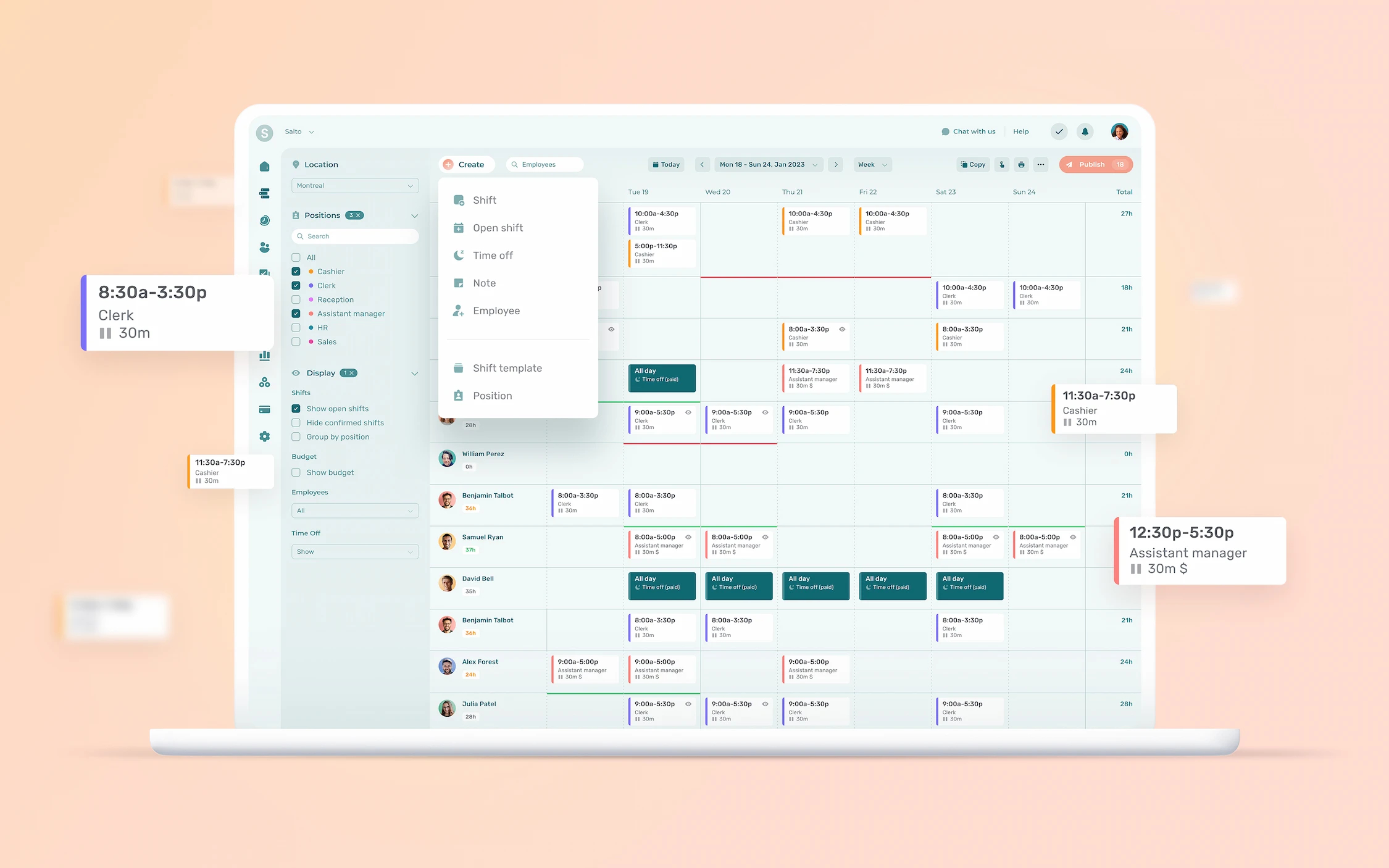
Best scheduling app for small businesses with hourly workers
Agendrix is an all-in-one people management platform built specifically for shift-based teams. It’s particularly strong in scheduling, time and attendance, and internal communication, all packaged in a user-friendly interface that employees and managers actually enjoy using.
From restaurants and assisted living to retail stores, recreation centres and cities, Agendrix helps managers stay organized, reduce no-shows, and improve team accountability, all while saving hours of admin time each week.
Pros
- Easy-to-use scheduling and time tracking
- Mobile-friendly for both employees and managers
- Outstanding, Canada-based bilingual support (EN/FR)
- Seamless integrations with payroll providers like Nethris, Employeur D, and ADP
- Designed with Canadian labour laws in mind
- Compliant with high security standards (ISO 27001 and ISO 27701 certified)
Cons
- No built-in payroll (but top-tier CRA-compliant integrations available)
- Limited free plan (but offers a free trial of up to 21 days)
Best for
Small to mid-sized Canadian businesses with hourly workers who need simple, reliable, and compliant scheduling.
Pricing
Plans start at $3.25/user/month for scheduling features. Full HR suite (Plus plan) starts at $5.25/user/month. Free trial available, no credit card required.
Bonus
Best Western Calgary cut their scheduling time from 14 hours a week to just one, all while improving team visibility and communication.
Score: 93 🍁
- 🍁 30/30 Scheduling & Time Tracking: Purpose-built for shift-based scheduling, mobile time clocks, PTO tracking, and real-time updates. One of the most complete scheduling solutions for SMBs.
- 🍁 16/20 Payroll & CRA Compliance: No native payroll, but integrates seamlessly with all major Canadian providers to ensure compliant paystubs and ROEs.
- 🍁 17/18 Ease of Use (Web & Mobile): Simple for both managers and employees, strong mobile experience, quick onboarding.
- 🍁 14/15 Pricing & Scalability: Affordable per-user pricing, flexible plans for small to mid-sized businesses.
- 🍁 12/12 Support & Bilingual Availability: Canadian-based support team, fully bilingual UI and help content (EN/FR).
- 🍁 4/5 Integrations & Ecosystem: Connects with key payroll and time tracking tools; no public API yet but export options available.
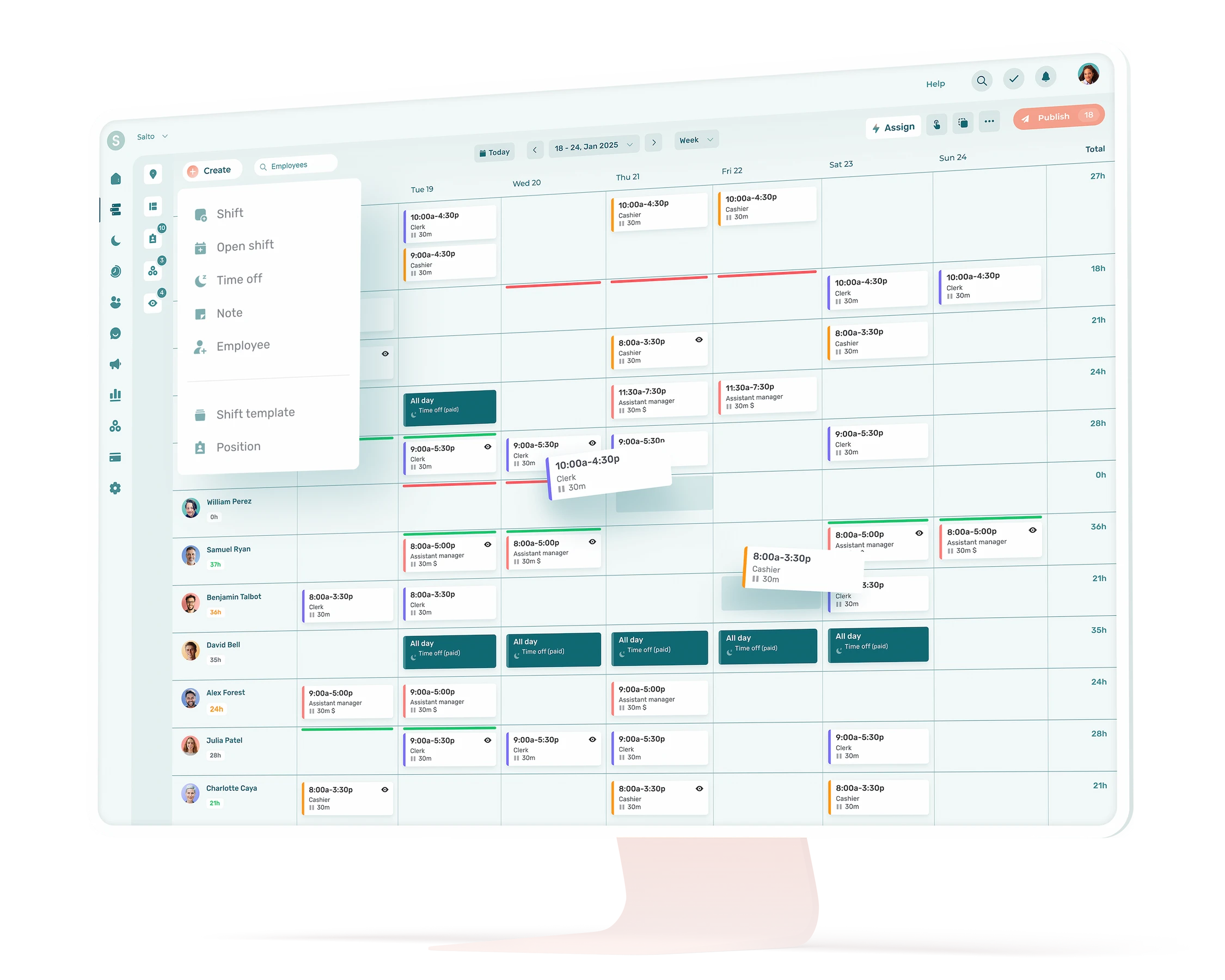
Where Agendrix Stands Out
🇨🇦 Built in Canada with full bilingual app and support (EN/FR)
✅ Designed specifically for hourly and shift-based teams
💸 CRA-compliant payroll integrations that save time and reduce errors
❤️ Exceptional customer support with a 99% satisfaction rating
🚀 Fast and easy rollout: teams typically adopt it in under a week
2. 7shifts 🇨🇦
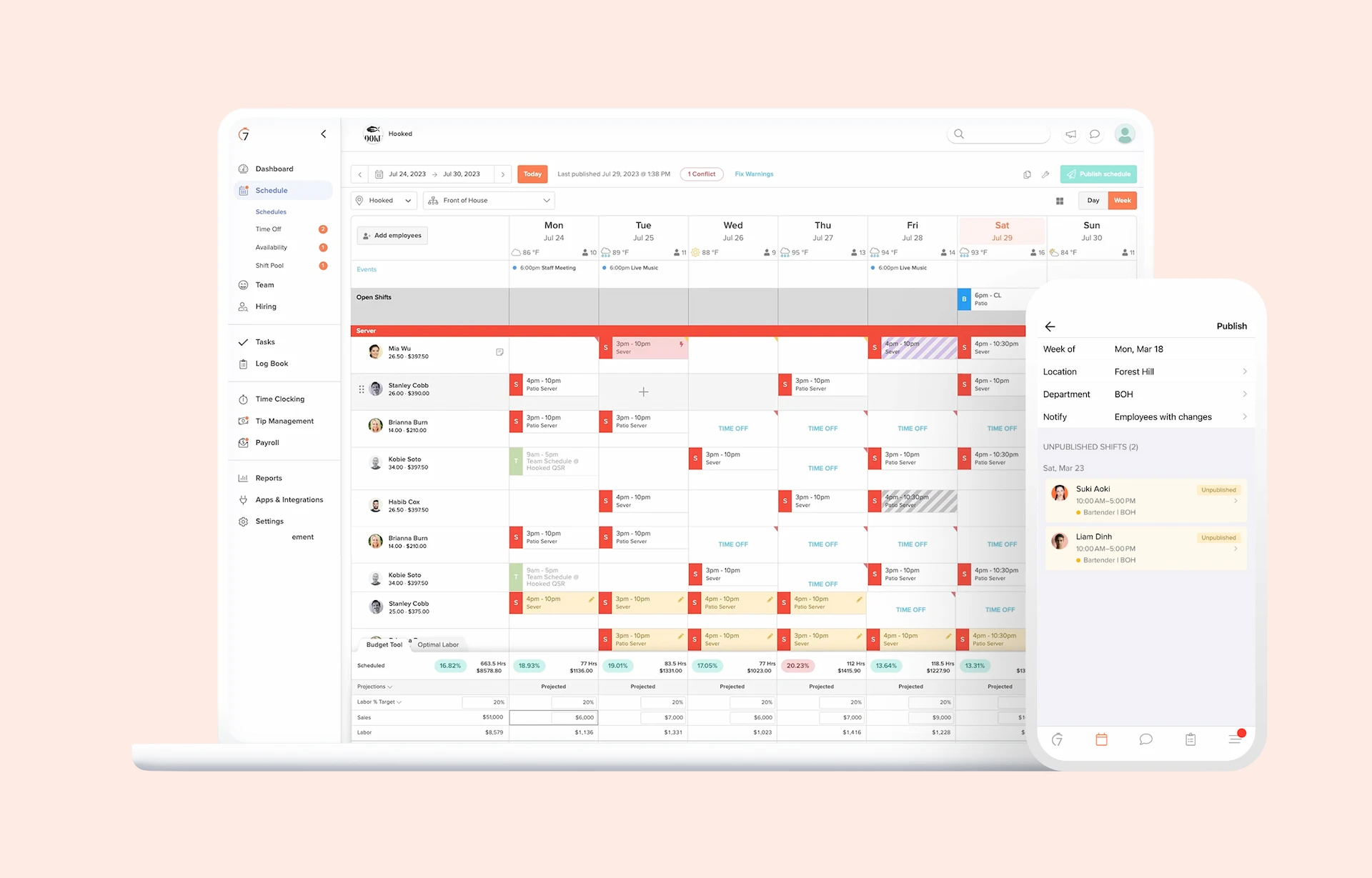
Commonly used for restaurant and hospitality scheduling
7shifts is a cloud-based scheduling platform designed specifically for the food service industry. Headquartered in Saskatoon, it supports thousands of restaurants across North America with tools for managing shifts, forecasting labour needs, tracking attendance, and streamlining communication.
From quick-service chains to full-service dining, 7shifts focuses on helping managers fill shifts faster, reduce labour costs, and improve employee accountability, all through a mobile-friendly platform that frontline staff can actually use.
Pros
- Industry-specific features for restaurants, cafes, and bars
- Mobile scheduling, availability management, and shift swaps
- POS integrations (TouchBistro, Lightspeed, Toast, Square, and more)
- Tip pooling, compliance tools, and labour cost tracking
- Free plan available for single-location teams
Cons
- Native payroll is currently only available in the U.S., Canadian users must use a third‑party payroll provider
- Less flexible for industries outside of hospitality
- Some key features (e.g. labour compliance, auto-scheduling) are locked behind higher-tier plans
- Bilingual support and documentation can vary depending on tier
Best for
Restaurants, cafés, and hospitality businesses that need industry-aligned scheduling features
Pricing
Free plan available for up to 30 employees at a single location. Paid plans start at $39.99/month/location (pricing shown in USD). Free trial available.
Bonus
Includes industry-specific tools like tip management, labour forecasting, and compliance alerts that help restaurants stay lean and legally covered.
Score: 86 🍁
- 🍁 28/30 Scheduling & Time Tracking: Strong scheduling features for restaurants, including shift swaps, availability, and labour optimization
- 🍁 14/20 Payroll & CRA Compliance: Integrates with POS and U.S. payroll tools; limited CRA-focused features or Canadian payroll integrations
- 🍁 15/18 Ease of Use (Web & Mobile): Optimized for shift managers and frontline teams; intuitive and well-reviewed mobile app
- 🍁 14/15 Pricing & Scalability: Accessible entry-level pricing, flexible by location
- 🍁 10/12 Support & Bilingual Availability: Support primarily in English; some French UI elements; varies by plan
- 🍁 5/5 Integrations & Ecosystem: Broad POS integration network, plus HR and payroll system compatibility
Where 7shifts Stands Out
🍽️ Purpose-built for restaurant teams with real-world hospitality features
📊 Includes labour forecasting and compliance alerts to manage costs
🔄 Strong integration with POS and payroll systems
📱 Mobile-first interface for shift swaps, availability, and team communication
🇨🇦 Canadian company with growing international presence
3. MakeShift 🇨🇦
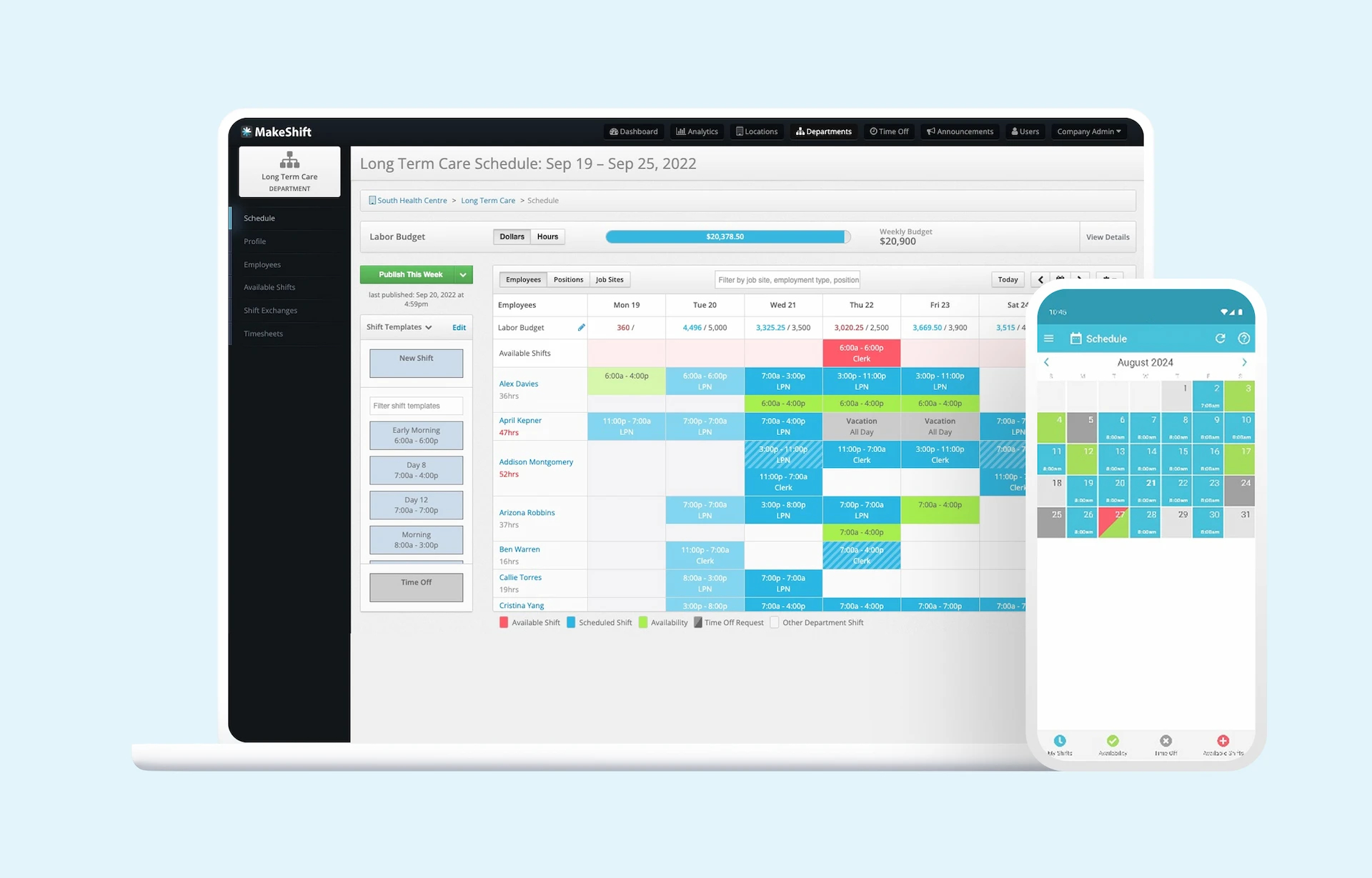
Built for healthcare, public sector, and larger shift-based teams
MakeShift is a Canadian employee scheduling platform developed to help large organizations manage complex staffing needs. It’s commonly used in healthcare, retail, and public services, offering features for real-time scheduling, shift bidding, time tracking, and employee availability management.
What sets MakeShift apart is its focus on large-scale scheduling challenges, from union compliance to departmental coordination, while still offering a clean interface and mobile experience.
Pros
- Real-time scheduling and open shift bidding
- Mobile app for employees to view, swap, and accept shifts
- Integrates with UKG, ADP, BambooHR, and other enterprise tools
- Built-in time and attendance with mobile clock-ins
- Available in both English and French
- Designed with large teams and compliance in mind
Cons
- Less accessible for small businesses due to lack of transparent pricing and complex setup
- No native payroll
- Limited public documentation and fewer self-serve onboarding options
Best for
Larger Canadian organizations with multiple departments or compliance requirements (healthcare, government, or unionized environments)
Pricing
Core plan starts at $3.75 per employee per month. Quote-based plans only for enterprise and institutional use.
Bonus
Used by several Canadian cities and health networks to centralize staff scheduling while respecting internal compliance rules and availability constraints.
Score: 81 🍁
- 🍁 27/30 Scheduling & Time Tracking: Strong shift scheduling, bidding, and availability features, includes built-in time tracking
- 🍁 13/20 Payroll & CRA Compliance: Relies on external integrations; no native payroll features
- 🍁 13/18 Ease of Use (Web & Mobile): Clean mobile app, but limited self-serve onboarding or help docs
- 🍁 12/15 Pricing & Scalability: Highly scalable for large orgs, but unclear pricing and setup time
- 🍁 11/12 Support & Bilingual Availability: Bilingual support and UI available; tailored onboarding for larger teams
- 🍁 5/5 Integrations & Ecosystem: Strong integrations with major HCM systems and enterprise tools
Where MakeShift Stands Out
🏥 Trusted by hospitals, municipalities, and large-scale employers
🧩 Designed to handle complex rules, union compliance, and departmental staffing
📱 Offers a mobile-first scheduling experience with shift bidding
🇨🇦 Built in Canada with bilingual support and local deployment expertise
📊 Integrates with enterprise platforms like UKG and ADP
4. When I Work
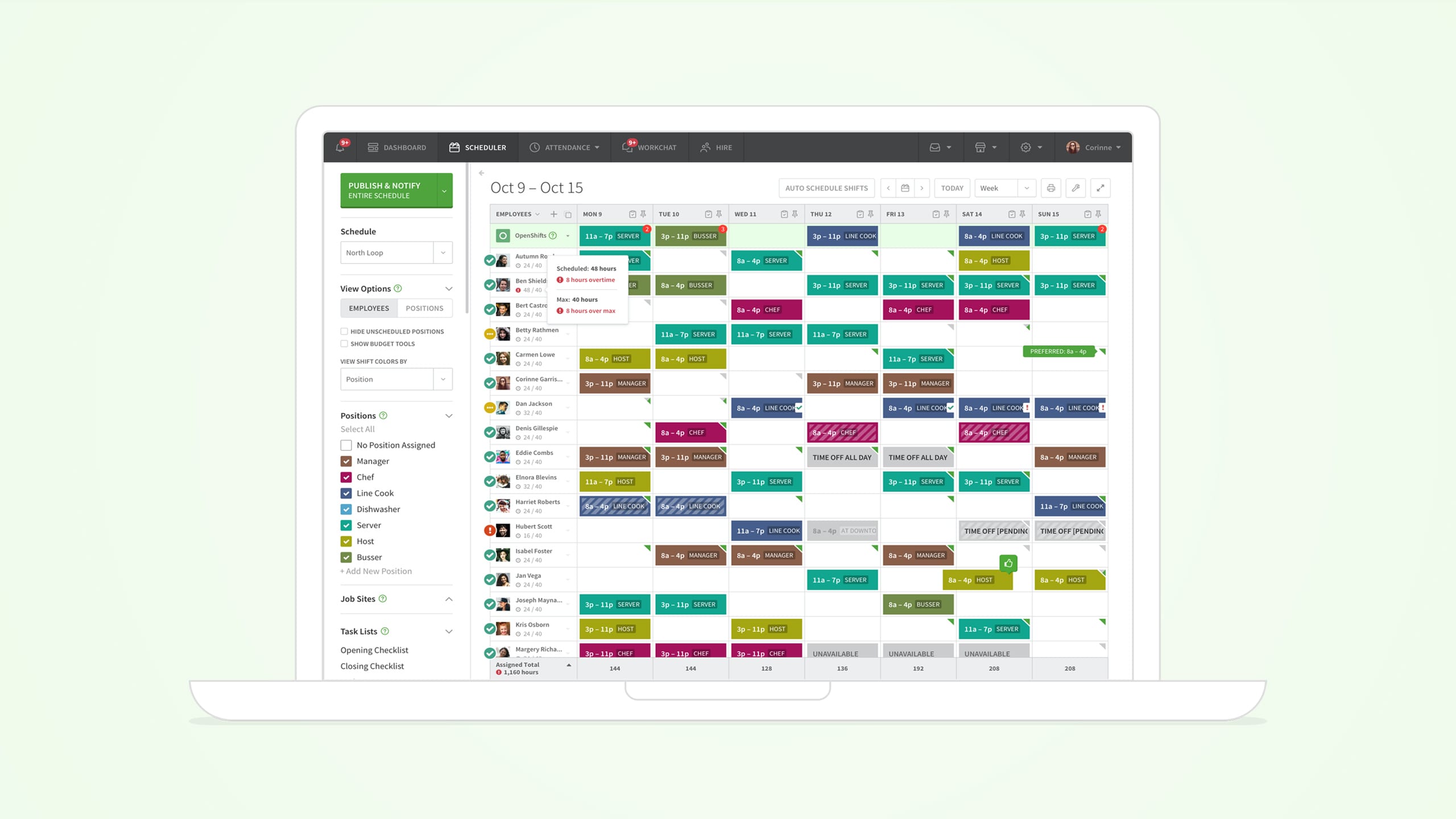
Popular scheduling tool for small teams with hourly staff
When I Work is a widely used scheduling app that helps managers create and share work schedules quickly. With a clean interface and mobile-first design, it’s often the first step up for businesses transitioning away from Excel or paper-based scheduling.
The platform focuses on ease of use, with features like shift swapping, availability tracking, team messaging, and mobile clock-ins, all designed to reduce back-and-forth and last-minute changes.
Find out how When I Work compares to Agendrix.
Pros
- Drag-and-drop scheduling interface
- Mobile clock-in and time tracking
- Real-time updates and employee notifications
- Easy shift swapping and availability requests
- Offers a free plan for up to 5 users
Cons
- U.S.-centric design: no bilingual support or Canadian payroll integrations
- No built-in CRA compliance tools (e.g. ROEs, multi-provincial tax handling)
- Limited flexibility for complex scheduling rules
Best for
Small businesses looking for a simple, affordable entry point into shift scheduling and time tracking
Pricing
Free for up to 5 users. Paid plans start at ~$2.50/user/month (USD). Time tracking and payroll integrations available on higher tiers.
Bonus
Often recommended by U.S. business blogs and startup incubators as an easy, low-cost way to move off spreadsheets.
Score: 76 🍁
- 🍁 26/30 Scheduling & Time Tracking: Easy-to-use features like shift swaps, availability, and mobile time clocks
- 🍁 10/20 Payroll & CRA Compliance: No native support for CRA rules or Canadian payroll; U.S.-focused integrations
- 🍁 14/18 Ease of Use (Web & Mobile): Intuitive design and mobile app, but limited onboarding help for teams with more complex needs
- 🍁 13/15 Pricing & Scalability: Strong value at entry-level, free for small teams, simple per-user pricing
- 🍁 8/12 Support & Bilingual Availability: Support is only in English; no French interface or help docs
- 🍁 5/5 Integrations & Ecosystem: Offers payroll, calendar, and POS integrations; over-delivers here
Where When I Work Stands Out
📱 Easy-to-use mobile scheduling and clock-in experience
⏱️ Good balance of scheduling + time tracking for small teams
💬 Built-in team messaging for last-minute shift updates
📉 Ideal for businesses transitioning off spreadsheets
⚠️ Best suited to U.S. businesses: Canadian teams may hit limitations with compliance and localization
5. Homebase
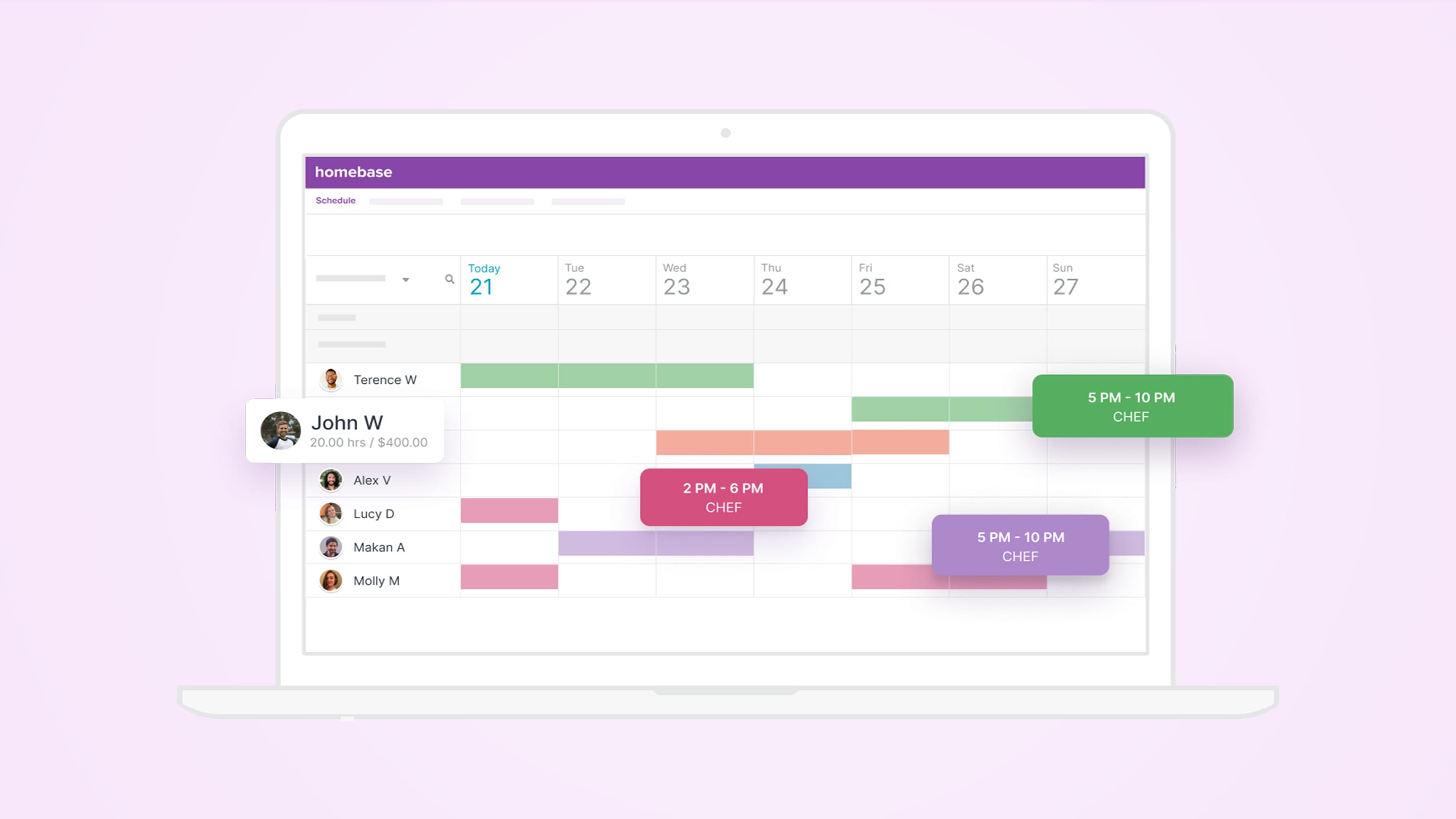
Feature-rich free plan for small teams
Homebase is a popular employee scheduling platform designed for small businesses looking for a fast and affordable way to manage hourly teams. It combines shift scheduling, time tracking, hiring, and team messaging all under one roof.
While it’s a strong entry-level option for new businesses, Homebase is heavily U.S.-focused. Canadian companies can use it, but may run into issues with tax documents, payroll compliance, and lack of bilingual support.
Compare Homebase with Agendrix.
Pros
- Free plan includes scheduling, time clocks, and team messaging
- Clean web and mobile interface
- Tools for hiring, onboarding, and document management
- Employee self-service for availability, requests, and clock-ins
- POS integrations with Square, Clover, Toast, and more
Cons
- No Canadian payroll or CRA support
- App and support are English-only
- Some essential features locked behind premium plans
Best for
Very small teams or startups looking for a free, all-in-one employee management tool, especially in retail, food service, or admin
Pricing
Free plan supports 1 location and up to 10 employees. Paid plans start at $30/month/location (USD) to unlock more features and users.
Bonus
The free plan is among the most generous, covering core scheduling, time tracking, and team messaging for up to 10 employees.
Score: 73 🍁
- 🍁 25/30 Scheduling & Time Tracking: Includes templates, shift swaps, mobile time clocks, and PTO management
- 🍁 8/20 Payroll & CRA Compliance: U.S.-based payroll features only; no ROE or Canadian tax support
- 🍁 14/18 Ease of Use (Web & Mobile): Easy to navigate with a clean interface; setup is quick
- 🍁 13/15 Pricing & Scalability: Free plan is great value, but premium pricing can climb fast
- 🍁 8/12 Support & Bilingual Availability: Support only in English, no French interface
- 🍁 5/5 Integrations & Ecosystem: Broad POS and payroll integrations; slightly overperforms in this area
Where Homebase Stands Out
🎁 A genuinely useful free plan for teams just getting started
📱 User-friendly mobile app for employees and managers
💬 Built-in team messaging, document storage, and onboarding
🧾 HR features in higher-tier plans
⚠️ Canadian users should double-check compliance and payroll compatibility
6. Deputy
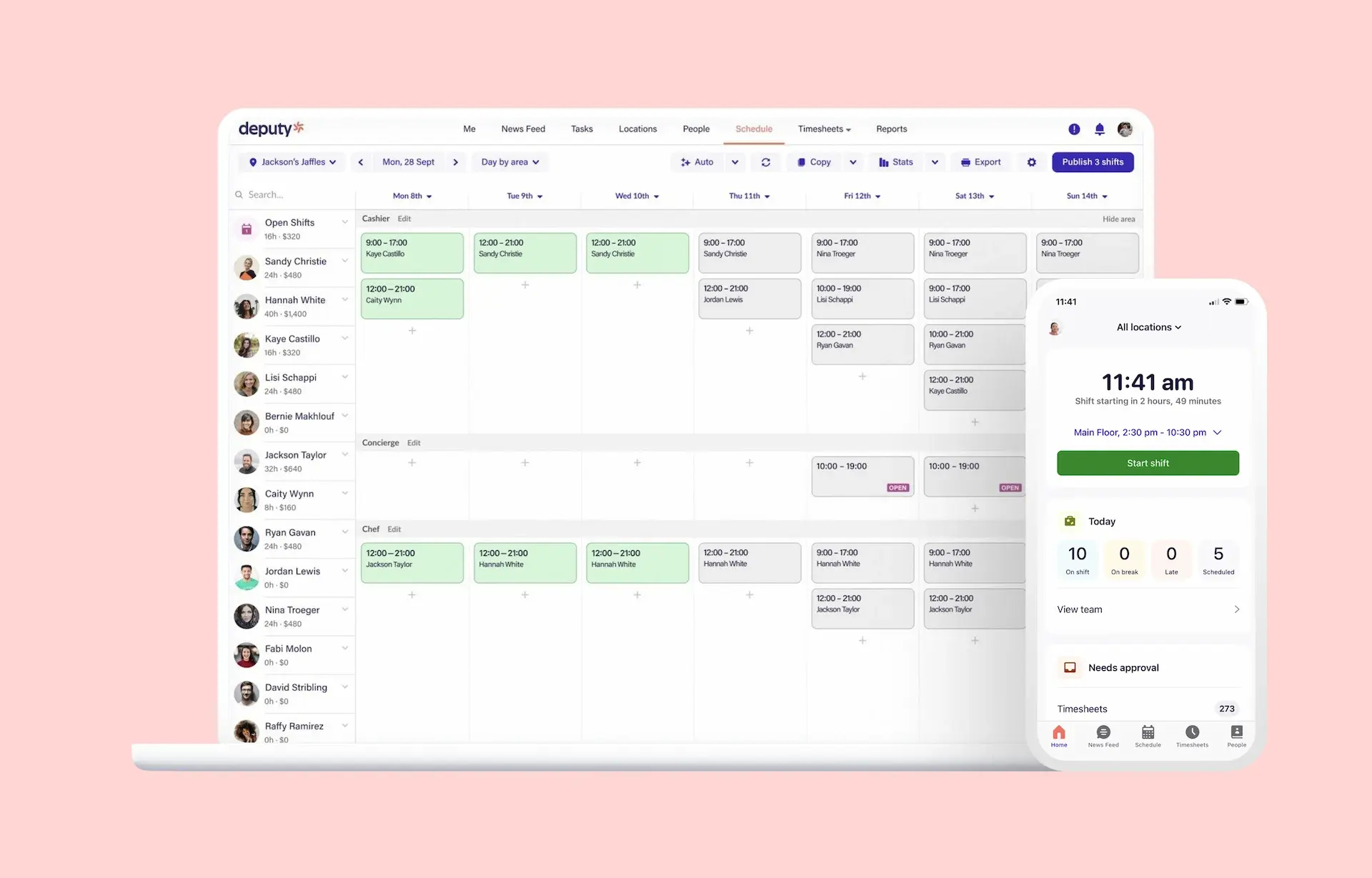
Workforce scheduling and labour compliance at scale
Deputy is a robust scheduling and time tracking platform designed for businesses with hourly staff. Known for its automation features and compliance tools, it’s used by teams in retail, healthcare, manufacturing, and hospitality across multiple countries.
The platform offers strong labour forecasting, real-time attendance tracking, and auto-scheduling based on demand and availability. It’s well-suited to multi-location teams or businesses with complex coverage needs, though it’s not built specifically for the Canadian market.
Pros
- Advanced scheduling and shift optimization features
- Auto-scheduling and labour forecasting tools
- Real-time attendance and GPS-verified clock-ins
- Integrates with major payroll platforms (U.S. focus, verify Canadian compatibility)
- Scales well for larger or multi-location teams
Cons
- No Canadian payroll integrations or CRA-specific tools
- Limited French support
- Some learning curve for setup and full feature use
Best for
Larger or growing businesses looking to automate shift planning and ensure labour compliance, especially in industries with fluctuating demand
Pricing
Plans start at ~$5/user/month (USD) for scheduling. Premium plans with full compliance and time tracking features start at ~$6.50/user/month. Free trial available.
Bonus
Auto-scheduling and demand forecasting features help reduce understaffing and unplanned overtime, which can be useful in dynamic industries like retail or healthcare.
Score: 72 🍁
- 🍁 26/30 Scheduling & Time Tracking: Powerful, automated tools for building and managing complex schedules
- 🍁 10/20 Payroll & CRA Compliance: Payroll integrations available, but no Canadian-specific support or documentation
- 🍁 13/18 Ease of Use (Web & Mobile): Clean UI, but setup and automation features may require training
- 🍁 12/15 Pricing & Scalability: Reasonable entry price, scales well for large teams
- 🍁 6/12 Support & Bilingual Availability: English-only support and documentation; limited resources for Canadian users
- 🍁 5/5 Integrations & Ecosystem: Strong integration set, including payroll, POS, HR, and calendar tools
Where Deputy Stands Out
📊 Designed for businesses that want scheduling tied to real-time labour data
⚙️ Auto-scheduling, role coverage alerts, and wage compliance settings
🏢 Works well for multi-location teams with complex scheduling rules
🌎 Global tool with strong features, but limited Canadian adaptation
📉 Best used when automation matters more than local fit
Curious how Deputy stacks up against Agendrix? Explore our detailed Agendrix vs. Deputy comparison.
Also Consider: 6 More Scheduling Tools Worth a Look
Beyond our top picks, there are other employee scheduling apps that might fit specific industries, team structures, or budgets. These tools didn’t make our primary list due to limited Canadian support, niche use cases, or missing features. But they’re still worth considering depending on your needs.
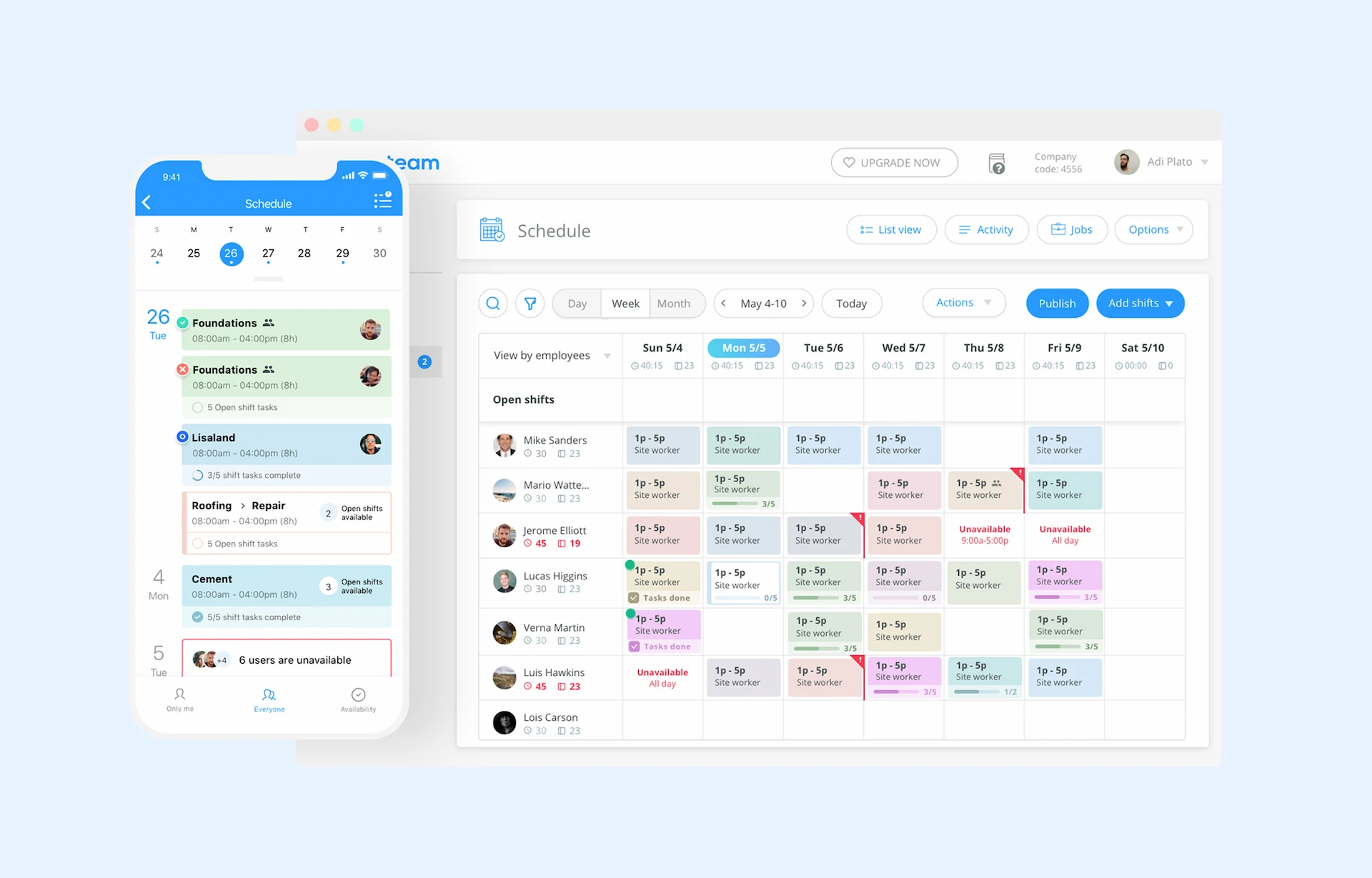
7. Connecteam
Best for mobile-first field teams
Connecteam is a workforce app designed for non-desk teams in industries like construction, cleaning, and logistics. It includes scheduling, task management, and employee communication, but scheduling isn’t its core focus.
- Score: 70 🍁
- Pricing: Free for up to 10 users. Paid plans from ~$29/month (USD).
- Best for: Mobile field teams who also need task tracking and communication tools
- Limited CRA/payroll support
- No French UI or localized compliance features
See this article if you’re curious to compare Connecteam and Agendrix.
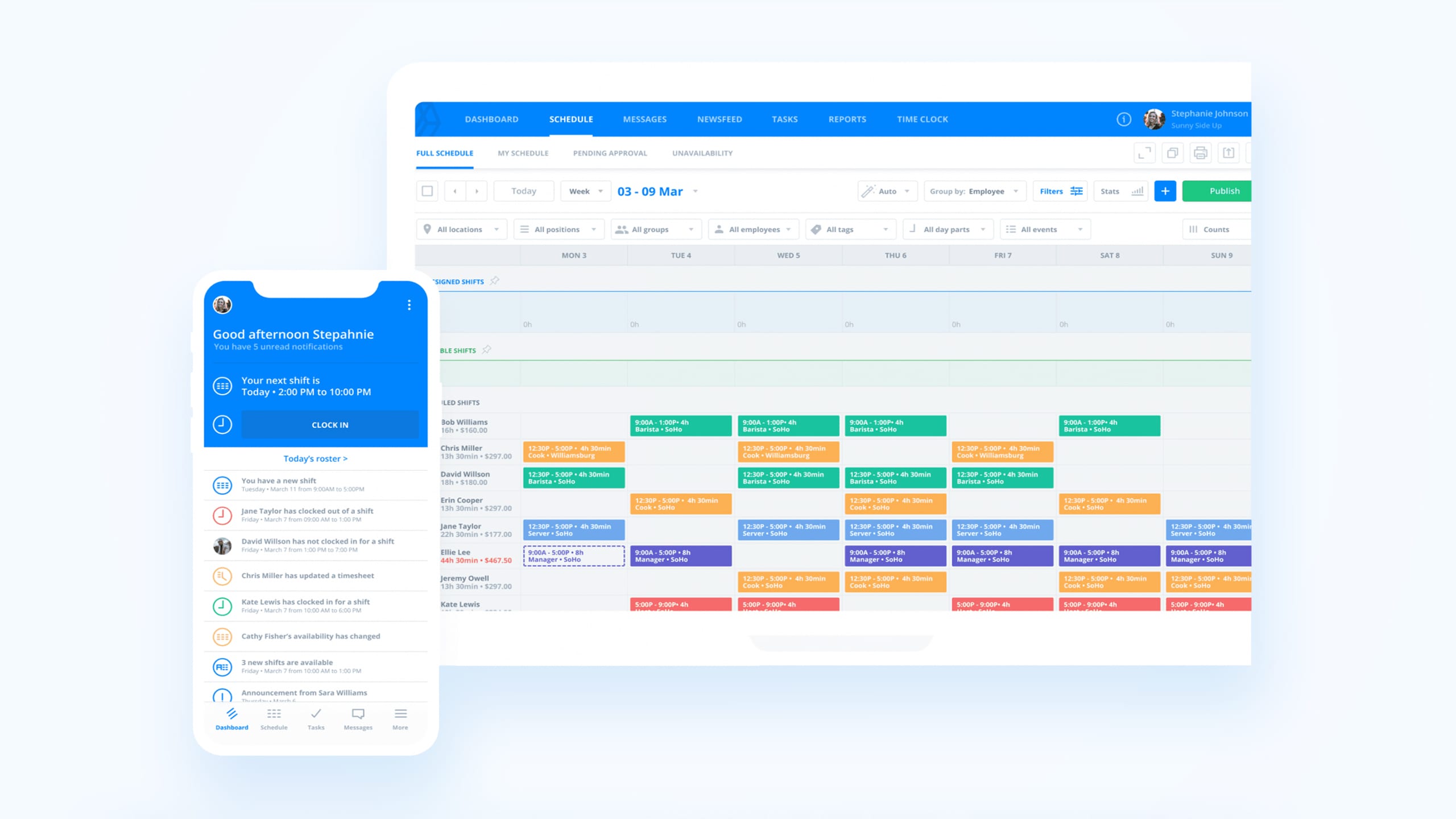
8. Sling
Best for simple, no-frills shift scheduling
Sling offers a free plan with scheduling and team messaging features. It’s clean, intuitive, and budget-friendly, but lacks deeper compliance and payroll integration features.
- Score: 68 🍁
- Pricing: Free for basic use. Paid plans from ~$2/user/month (USD).
- Best for: Small teams with basic scheduling needs and tight budgets
- U.S.-focused tool with no Canadian payroll or language support
- Minimal automation or rule-based scheduling
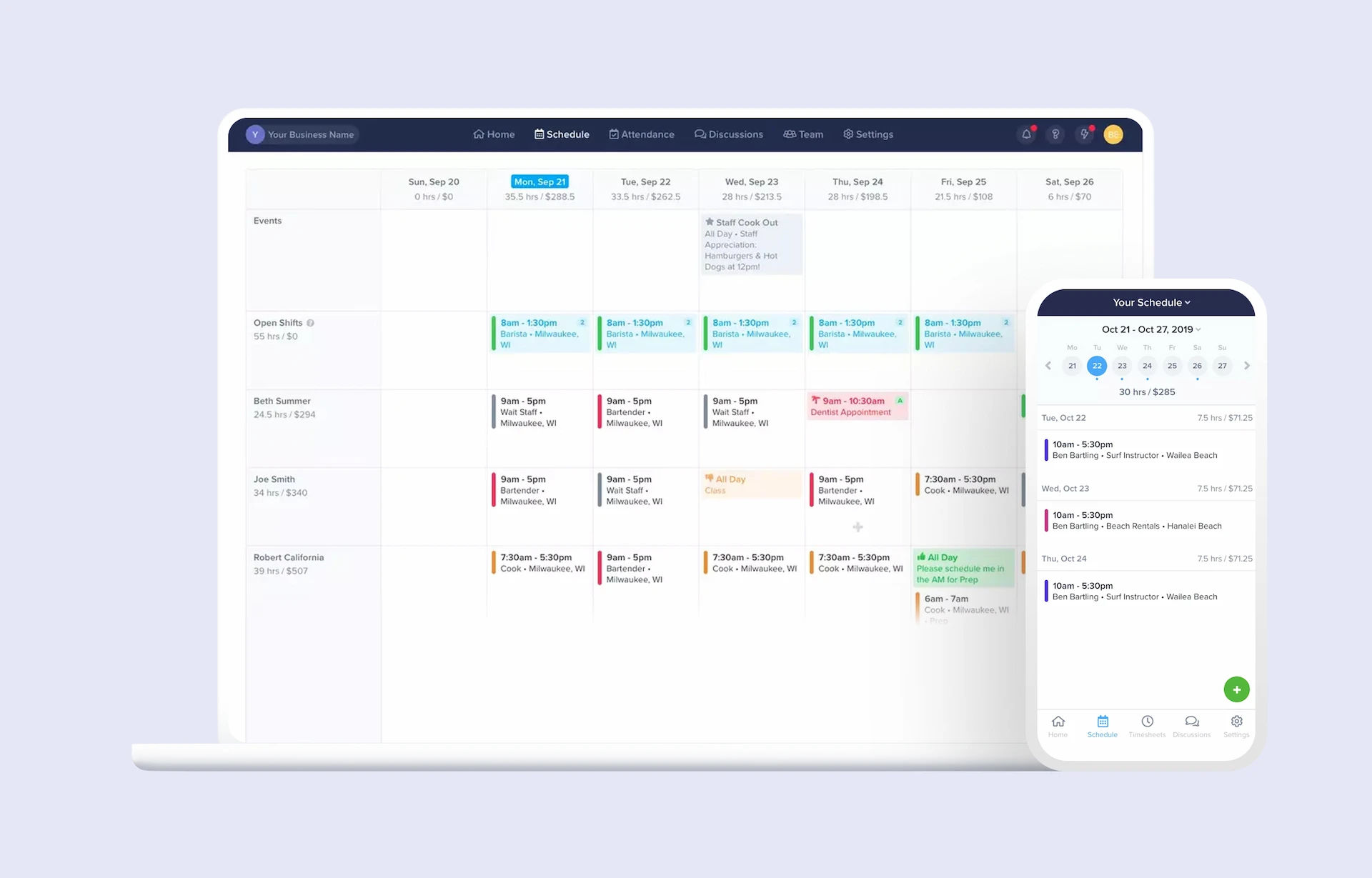
9. ZoomShift
Best for clean scheduling UI
ZoomShift delivers solid shift planning and time tracking in a straightforward interface. It’s easy to use but missing advanced features, integrations, and Canadian localization.
- Score: 66 🍁
- Pricing: From ~$2.50/user/month (USD).
- Best for: Businesses that want a simple tool with minimal setup
- No bilingual support
- Limited compliance or reporting tools
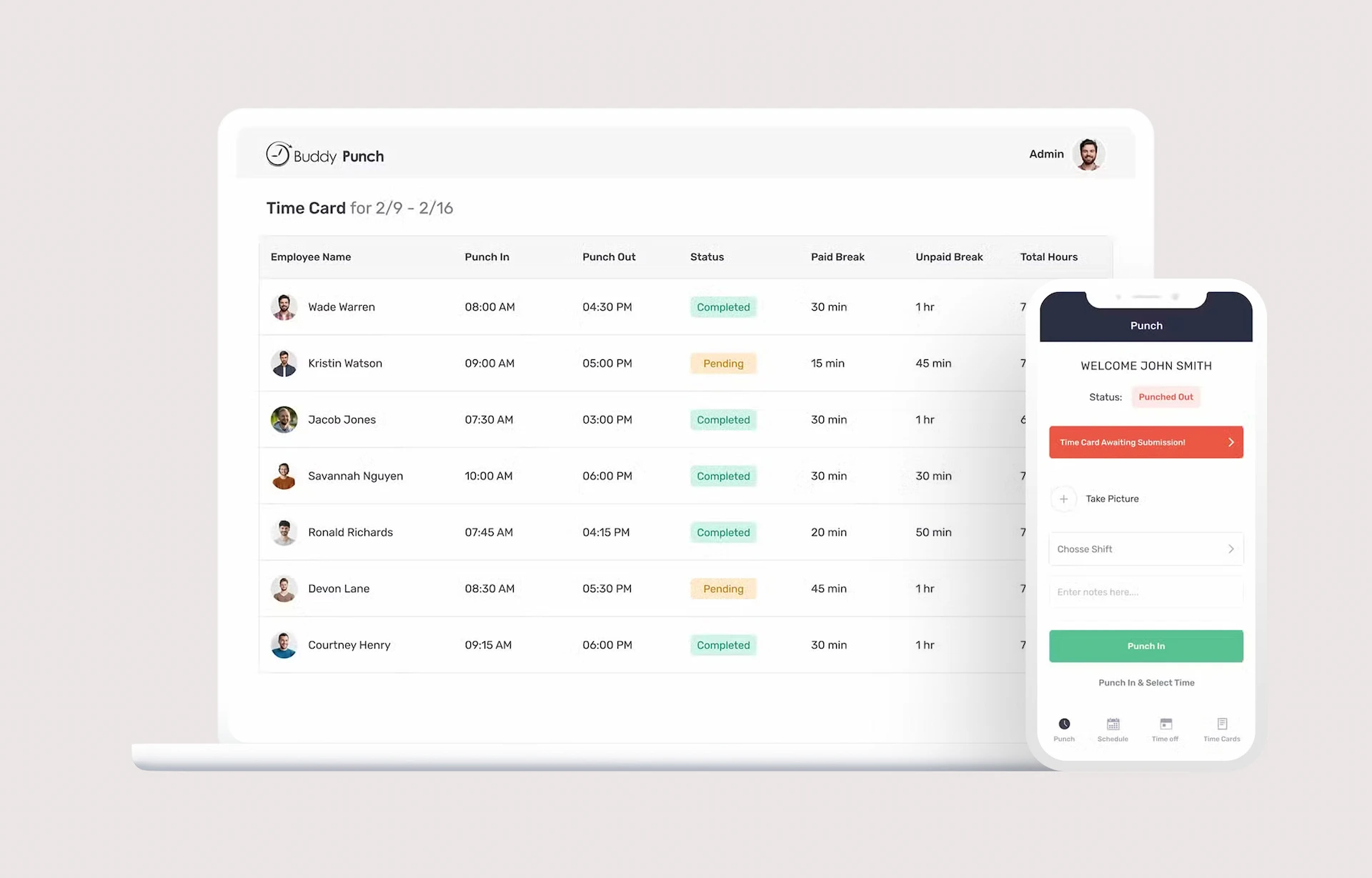
10. Buddy Punch
Best for time tracking with light scheduling
Originally built for punching in/out, Buddy Punch now includes basic scheduling. It’s time-tracking first, scheduling second, and best suited for small teams with simple needs.
- Score: 65 🍁
- Pricing: Starts at ~$5.49/user/month (USD).
- Best for: Small businesses focused more on time tracking than scheduling
- No built-in support for Canadian tax or payroll compliance
- Lacks advanced scheduling or shift rules
11. Shiftboard
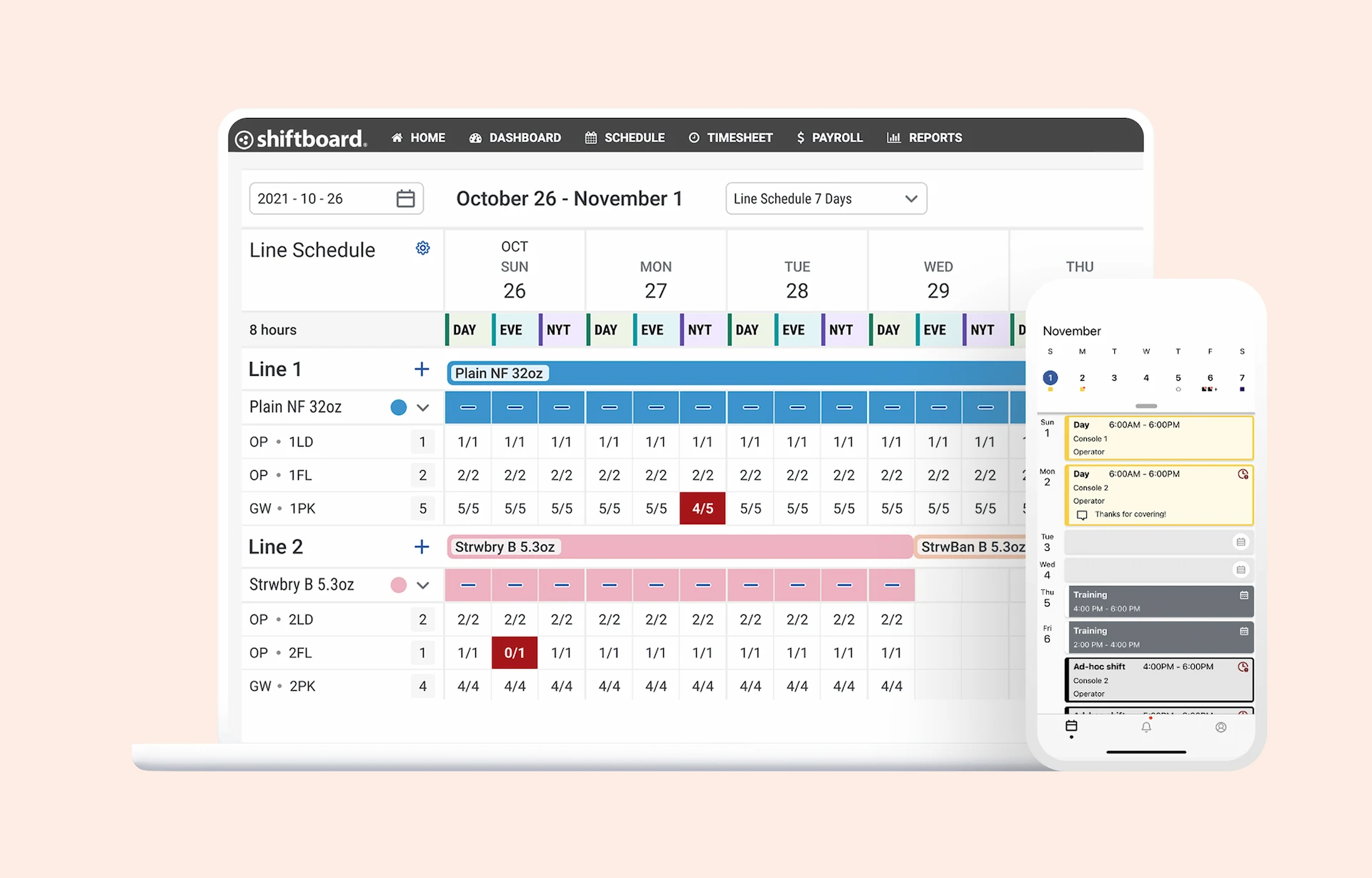
Best for complex enterprise scheduling
Shiftboard is designed for large operations with advanced compliance or union rules. It’s powerful, but complex (and likely overkill for most SMBs).
- Score: 64 🍁
- Pricing: Quote-based; no public pricing
- Best for: Enterprise or public sector organizations with strict labour compliance needs
- Steep learning curve
- No free trial or self-serve signup
12. Workforce.com
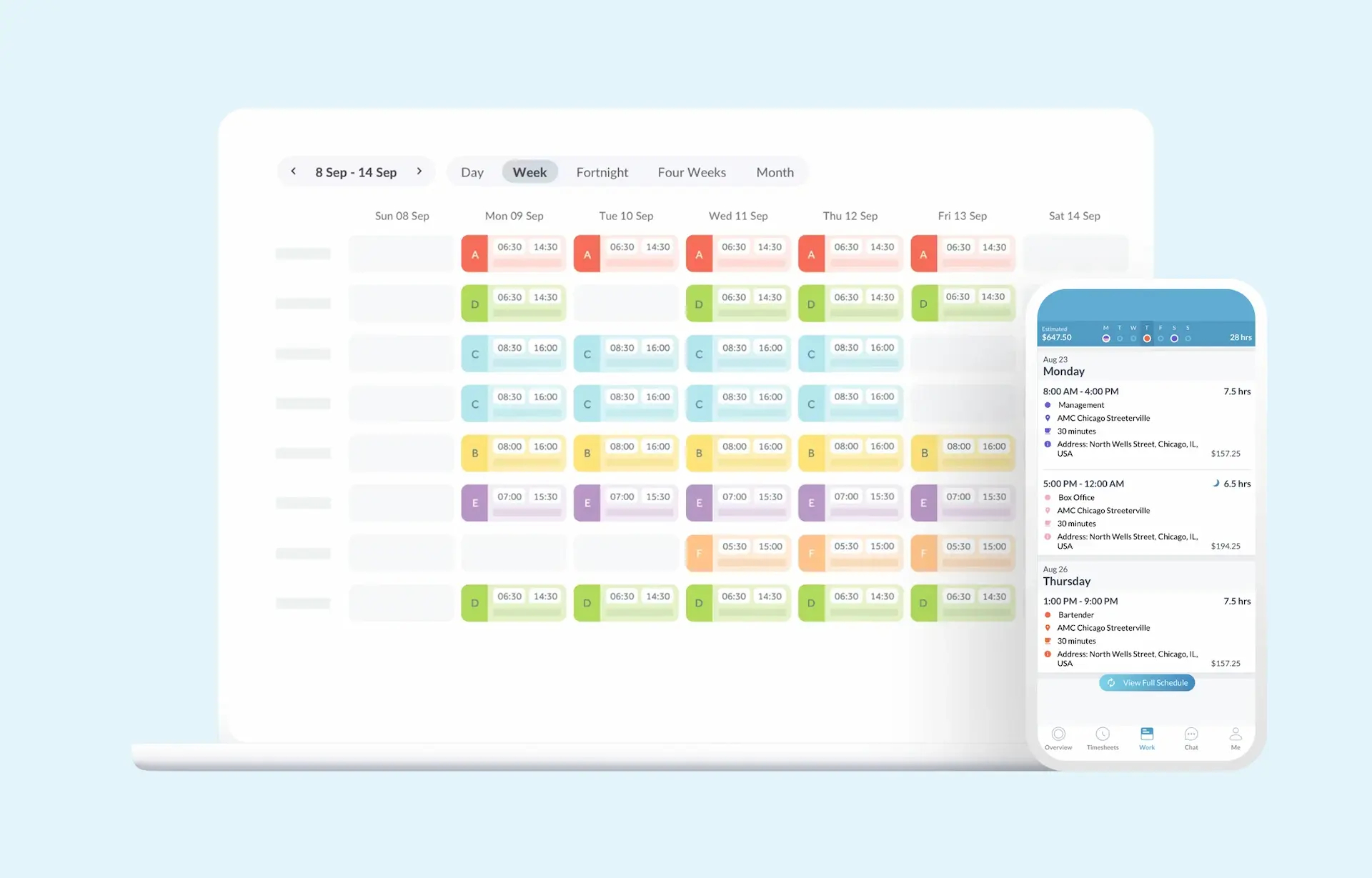
Best for large, global shift operations
Workforce.com offers advanced scheduling, forecasting, and compliance features but targets large teams with IT departments, not self-serve SMBs.
- Score: 63 🍁
- Pricing: All-in-one plan starts at $12.80 per user, per month
- Best for: Enterprise teams with in-house HR and ops resources
- Limited documentation and no Canadian pricing info
- Complex setup
Best Employee Scheduling Apps by Industry in Canada
The right scheduling app depends heavily on what your team looks like day to day. A restaurant manager juggling shift swaps has different needs than a retail manager coordinating four locations, or a healthcare scheduler managing 24/7 rotations.
Here’s how the top-scoring tools map to Canada’s three most common shift-based industries.
Restaurants and hospitality
Common pain points: last-minute shift coverage, server section assignments, tip pooling, POS integration, tight labour cost margins.
Best fits:
- 7shifts: Purpose-built for restaurants. Tip pooling, labour forecasting, and POS integrations with TouchBistro, Lightspeed, Toast, and Square are native. Best when your operations are 100% food service.
- Agendrix: The best fit for restaurants that need Canadian compliance, bilingual support (essential for Quebec), and integrations with Nethris, Employeur D, or ADP. Also strong for multi-concept operators (café + full-service, or restaurant + catering).
- When I Work: A budget entry point for very small teams (5 users or less) that don’t need CRA-specific features yet.
Retail
Common pain points: peak demand forecasting (holidays, back-to-school), seasonal staff scaling, multi-location coordination, matching shifts to employee availability, controlling overtime.
Best fits:
- Agendrix: Multi-location scheduling with per-branch settings, availability management, and overtime alerts. Bilingual, CRA-friendly, ideal for Canadian retail chains up to mid-market.
- Deputy: Strong for larger retail operations that want automated scheduling tied to demand forecasts. Comes with a US-centric bias, so verify Canadian payroll compatibility before committing.
- Homebase: Free plan works for single-location boutiques with fewer than 10 employees. Watch for the US payroll ceiling if you grow.
Healthcare and seniors’ residences
Common pain points: 24/7 coverage, certification and licence tracking, on-call rotations, union or collective agreement compliance, staff fatigue management.
Best fits:
- MakeShift: Built for large healthcare operations with complex staffing rules, shift bidding, and union compliance. Used by Canadian hospitals and health networks.
- Agendrix: The best fit for mid-sized clinics, residences for seniors, and home care agencies (10 to 200 employees). Compliant with Canadian labour laws, bilingual, integrates with Canadian payroll providers.
- Deputy: Works for growing multi-location health services that prioritize scheduling automation over Canadian specificity.
How Do the Leading Employee Scheduling Tools in Canada Compare at a Glance?
Differences hinge on CRA-ready payroll integrations, bilingual UI and support, and the strength of scheduling automation. Agendrix leads for Canadian SMBs, 7shifts fits restaurants, MakeShift suits complex or unionized teams, When I Work and Homebase offer budget-friendly starts, and Deputy emphasizes automation at scale.
Not all employee scheduling tools are built the same and the best option for your business depends on your industry, team size, and scheduling complexity.
Before making a decision, consider:
- Your team structure: Do you manage hourly, part-time, or unionized employees?
- Compliance and payroll: Will you need CRA-compliant paystubs, ROEs, or multi-provincial coverage?
- Language and support: Does your team need bilingual (EN/FR) apps or support documentation?
- Integrations: Will you be syncing hours to a payroll system, POS, or time tracking tool?
If you’re still unsure which type of scheduling tool fits your needs, this article explains how to decide.
Is Agendrix the Best Employee Scheduling App for Canadian SMBs?
Agendrix combines intuitive scheduling, time tracking, and bilingual support with integrations to Canadian payroll providers. It is built for shift teams, speeds adoption, and respects local rules for overtime and stat holidays. For SMBs that need simple, compliant workflows in Canada, it is a strong first pick.
Unlike many global tools that adapt their platforms to the Canadian market, Agendrix was created here with bilingual support, CRA-compliant payroll integrations, and a deep understanding of local scheduling needs across industries like hospitality, retail, healthcare, and municipal services.
Here’s what sets Agendrix apart:
- Made in Canada 🇨🇦: Fully bilingual platform (EN/FR) with a support team based in Quebec
- Payroll integrations that match Canadian regulations: Compatible with Nethris, Employeur D, Ceridian, ADP, and more
- Ease of use: Built to be intuitive for both managers and hourly employees
- CRA-aware features: Track hours, overtime, statutory holidays, and export reports aligned with Canadian standards
- Real results: The Town of McMasterville saved up to 12 hours per pay period by automating timesheets and speeding up schedule creation with Agendrix
- Outstanding customer satisfaction: The 13,000+ SMBs using Agendrix daily give it 99% support satisfaction rate, 4.7 stars (App store) and 4.7 stars (Google Play) with over 52,000 reviews
For small to mid-sized teams managing shift workers in Canada, Agendrix offers the right mix of simplicity, compliance, and support, all without the complexity of an enterprise system.
Final Thoughts
Finding the right employee scheduling tool can save hours each week, reduce costly mistakes, and keep your team better connected. Whether you’re running a bustling restaurant, managing a retail shop, or scheduling shifts in healthcare or city services, the tools in this guide represent some of the most relevant options for Canadian businesses in 2026.
Each platform brings something different to the table. If you need a bilingual, Canada-based solution with deep scheduling features and CRA-friendly payroll integrations, Agendrix is a strong choice. If you’re in food service, 7shifts offers features built specifically for restaurant workflows.
In the end, the best scheduling app is the one that fits your team’s size, industry, and complexity. So you can spend less time on admin, and more time leading your people. ✨
What is the best employee scheduling app in Canada?
The best scheduling app depends on your business type and team needs. For small and medium-sized Canadian businesses with hourly workers, Agendrix stands out for its bilingual interface, ease of use, and payroll integrations tailored to Canadian compliance. For restaurants, 7shifts is a strong industry-specific option.
How much does employee scheduling software cost?
Most tools charge between $2.50 and $6 per user per month for basic scheduling. Canadian-built platforms like Agendrix start at $3.25 per user per month. Free plans exist (Homebase, Sling, When I Work) but usually cap at 5 to 20 users and lack Canadian payroll integrations. Full HR suites typically run $6 to $10 per user per month.
Are there free employee scheduling apps?
Yes, several platforms offer free plans and most (like Agendrix) offer free trials. Homebase and Sling both offer no-cost scheduling tools with limited features, best suited to very small teams. Keep in mind that most free versions lack payroll integration, compliance tools, or bilingual support.
What's the best scheduling app for restaurants in Canada?
7shifts is purpose-built for the restaurant industry and includes tip pooling, POS integrations (TouchBistro, Lightspeed, Toast, Square), and labour forecasting. Agendrix is the strongest Canadian alternative when you need bilingual support, CRA-compliant payroll integrations, tip pooling, or when your operations extend beyond a single concept. Both handle shift swaps and mobile scheduling well.
What's the best scheduling app for retail in Canada?
Agendrix leads for Canadian retail chains with multi-location scheduling, bilingual support, and payroll integrations with Nethris, Employeur D, and ADP. Deputy works well for larger retailers that want automated scheduling tied to demand forecasts. Homebase can work for very small single-location shops under 10 employees, though it lacks CRA-specific features.
Which scheduling tool works for shift-based businesses?
Agendrix, Deputy, 7shifts, and When I Work are all designed with shift-based businesses in mind. These platforms support recurring schedules, shift swaps, real-time updates, and mobile access. Ideal for teams in retail, restaurants, hospitality, and healthcare.
What features should I look for in employee scheduling software?
Key features include:
- Shift templates and drag-and-drop scheduling
- Availability and time-off management
- Mobile apps for staff
- Overtime and stat holiday tracking
- Payroll and HR integrations
- Alerts for coverage gaps and schedule changes
- Bilingual support (EN/FR) if you’re in Canada
How does Agendrix compare to 7shifts, Deputy, or Homebase?
Agendrix is built in Canada and focuses on shift-based scheduling for SMBs. It offers full bilingual support, integrations with Canadian payroll providers, and features designed for local labour laws.
- 7shifts is better suited to restaurants, especially for managing tips and POS integration.
- Deputy works well for larger businesses that want automation and compliance tracking, but is more complex.
- Homebase offers a generous free plan, but it’s U.S.-focused and lacks CRA-specific tools.